Product suite

Options Trading Tools and Analytics from QuantWheel

Find, analyze, manage, and review options trades in one broker-connected workspace.

QuantWheel gives active retail options traders a connected set of tools for screening trades, analyzing market structure, tracking positions, managing rolls, researching with AI, and reviewing performance. It is built for traders who want more than a basic options chain and more structure than a spreadsheet.

Options risk note: Options trading involves substantial risk and is not suitable for all investors. QuantWheel provides research, screening, analytics, journaling, and workflow tools. It does not provide personalized investment advice or guarantee trading outcomes.

What is QuantWheel?

QuantWheel is an options trading software platform for active retail traders who want better tools around trade discovery, market structure, position management, and review.

Instead of treating options trading as one isolated workflow, QuantWheel connects the pieces that usually live in separate tabs: screeners, GEX and gamma flow analytics, trade journaling, roll analysis, AI-assisted research, calculators, and strategy tools.

That matters because options traders rarely need one more chart. They need a cleaner way to answer practical questions:

  • Which trades match my criteria?
  • What does market structure look like around this ticker or expiration?
  • How are my open positions behaving?
  • Is this roll worth considering?
  • What did my last trades actually teach me?
  • Which concepts do I need to understand before using the tool?

QuantWheel is designed around that full workflow.

Find options trades that match your criteria

The first job of an options platform is simple: help you filter the market without drowning in it.

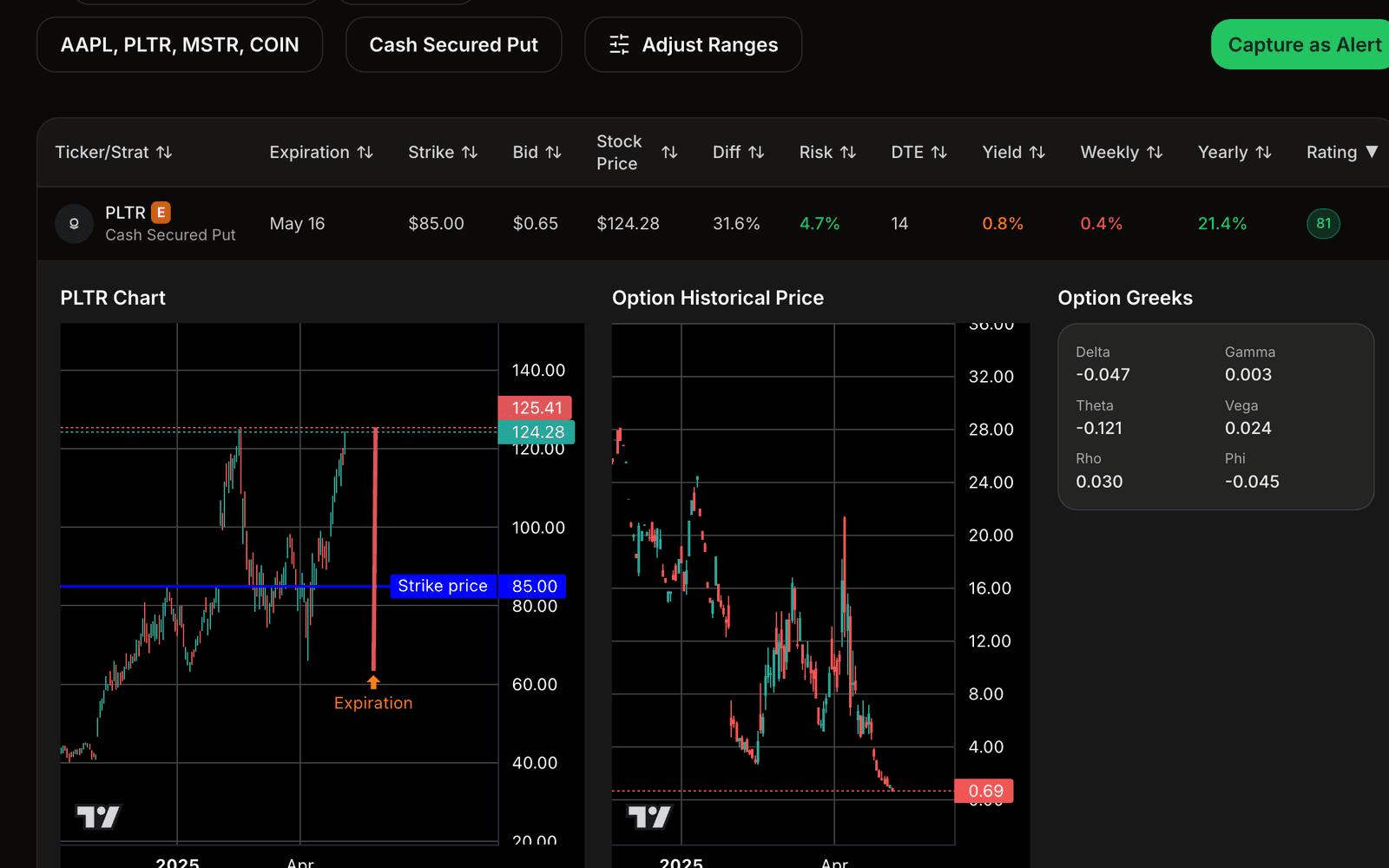
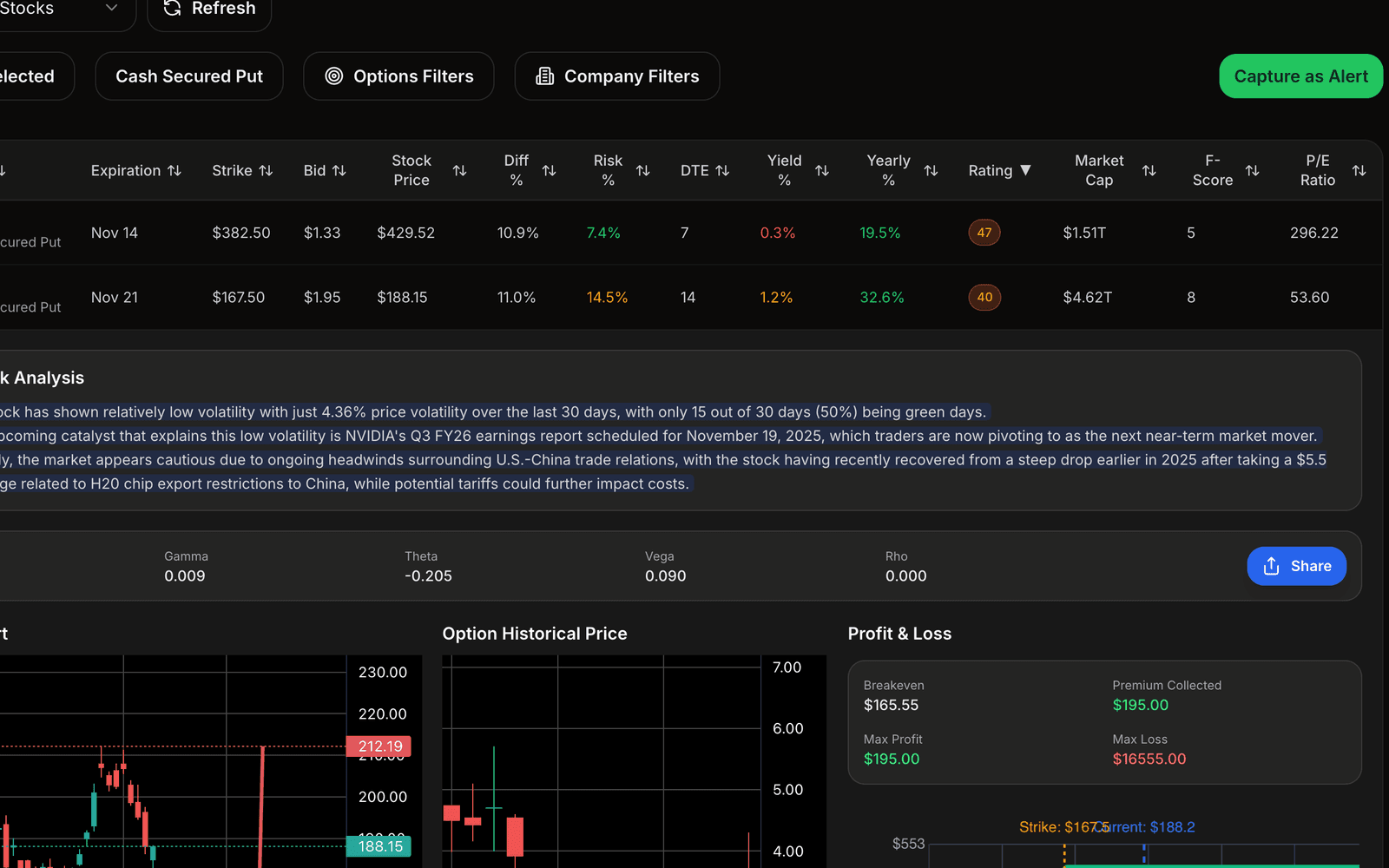
QuantWheel includes screeners for traders looking at both option-selling and option-buying workflows. You can use the product suite to narrow the field by strategy, contract characteristics, risk profile, and trade setup instead of manually scanning chains one ticker at a time.

Options Selling Screener

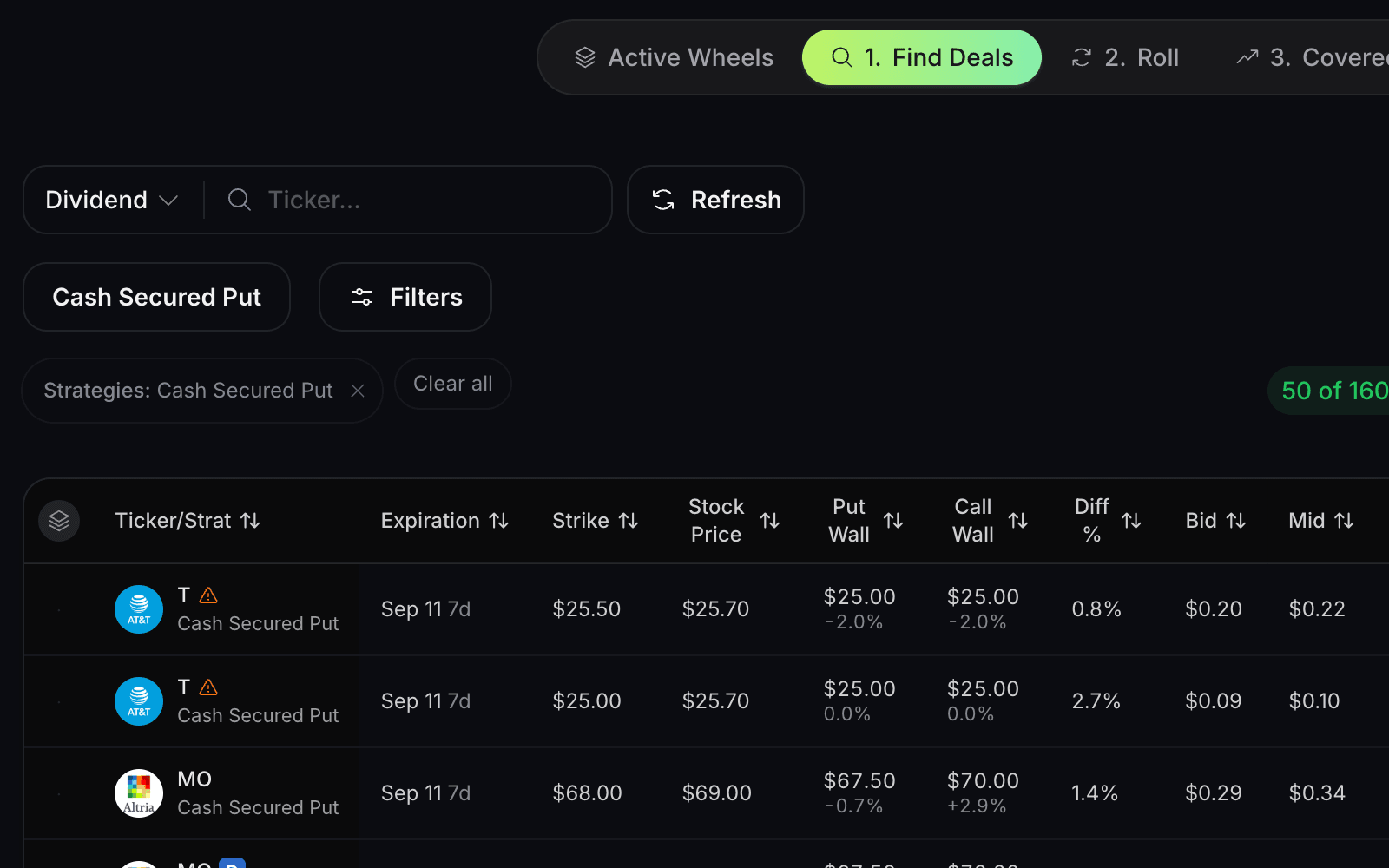
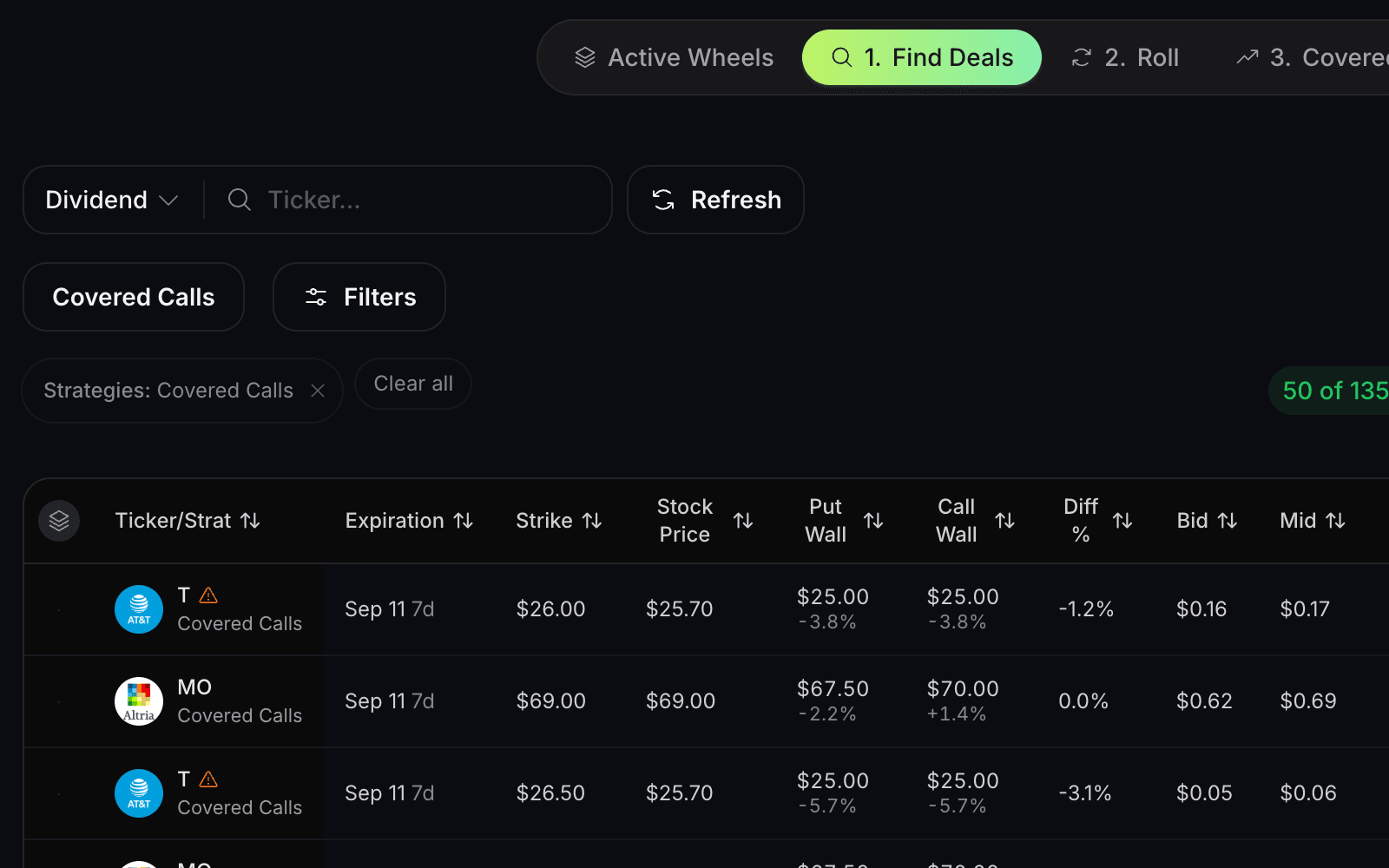
The Options Selling Screener helps traders research premium-selling opportunities using defined criteria. It is built for workflows such as cash-secured puts, covered calls, and other option-selling setups where strike selection, expiration, premium, assignment risk, and risk/reward all matter.

Use it to move from “what can I sell?” to “which opportunities fit my rules?”

Options Buying Screener

The Options Buying Screener helps traders research directional and volatility-based opportunities where contract selection matters. Instead of guessing from a raw chain, traders can filter for setups that fit their thesis, timeframe, and risk tolerance.

Use it when the question is not just “what is moving?” but “which contracts fit the trade I am actually considering?”

Strategy Explorer

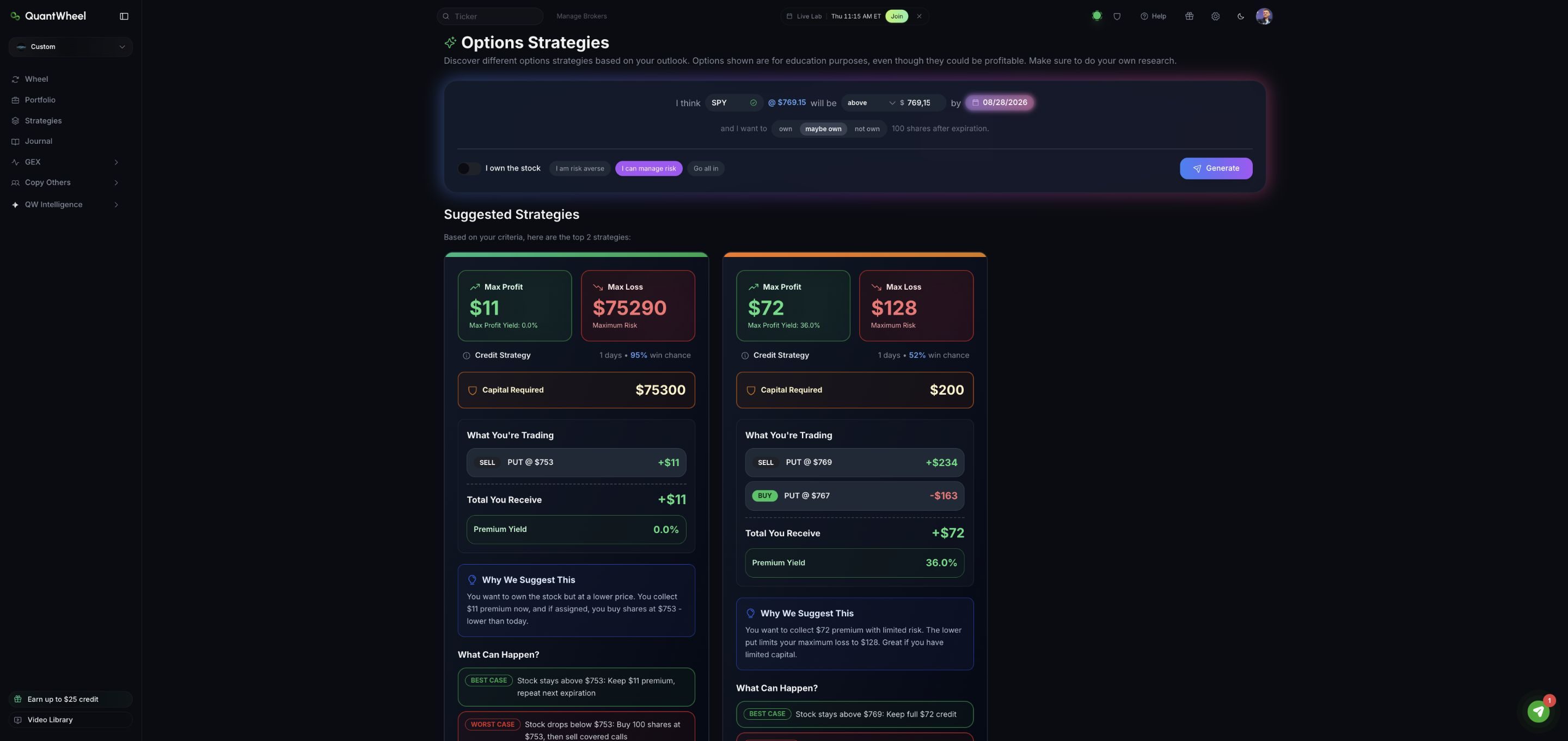
The Strategy Explorer helps traders compare options strategies before committing to a workflow. It gives QuantWheel a bridge between education and execution: learn the structure, compare the tradeoffs, then use the relevant tools to research the setup in more detail.

Analyze GEX, gamma flows, and market structure

Options traders do not only trade price. They trade around volatility, positioning, expiration, liquidity, and dealer hedging effects. That is why GEX and gamma flow tools are a core part of QuantWheel’s product system.

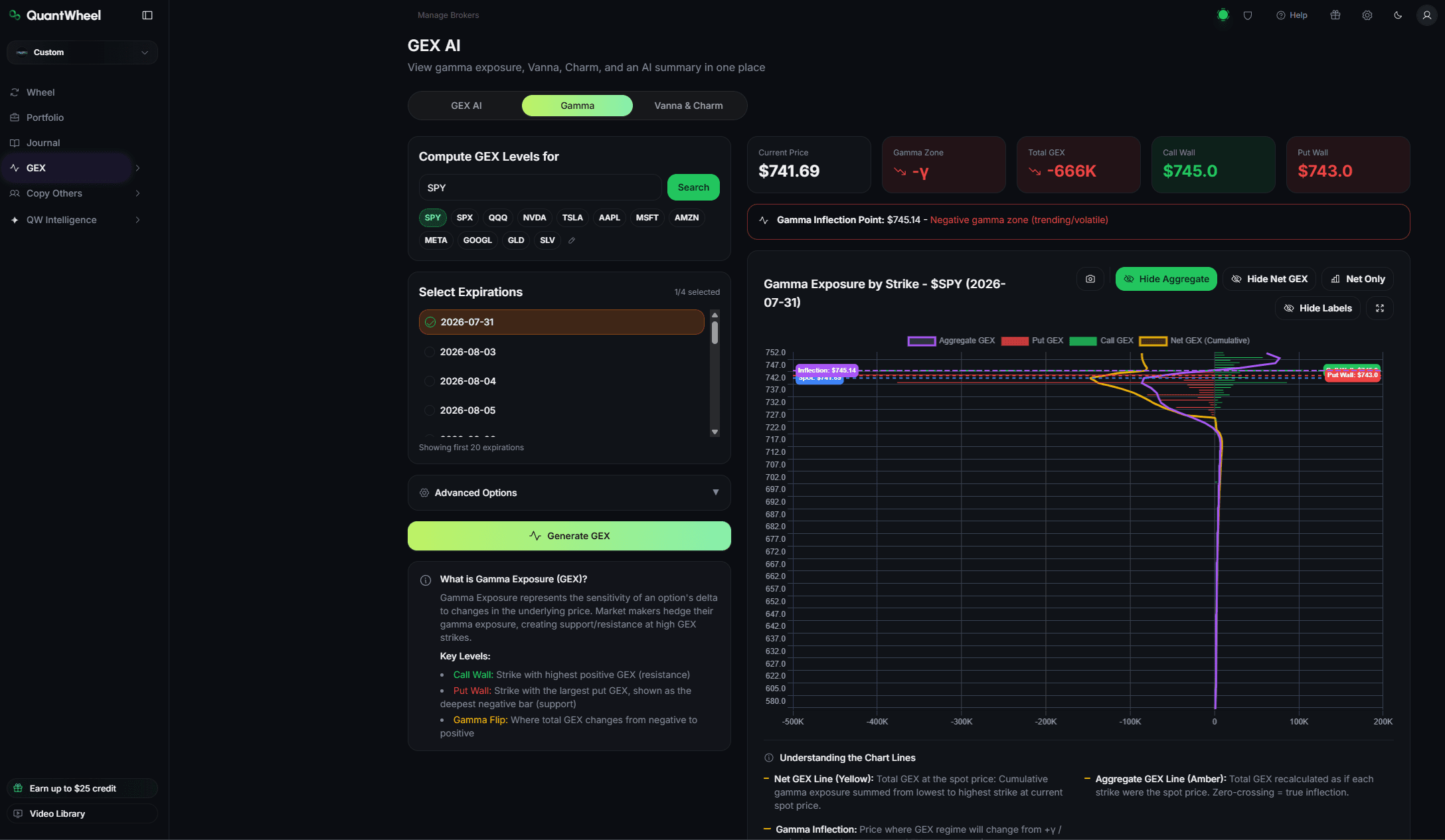
GEX Dashboard

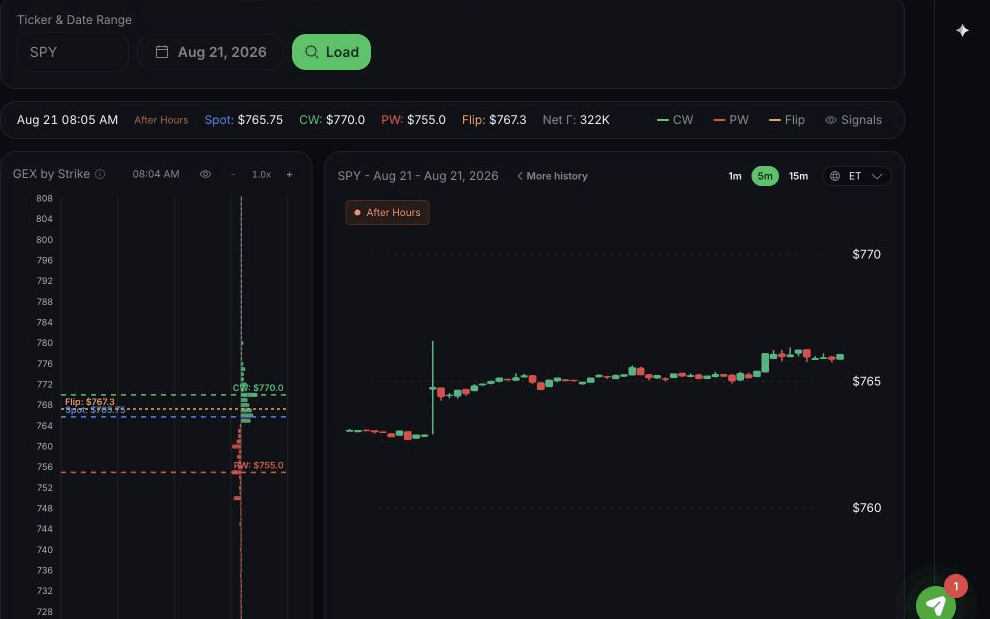
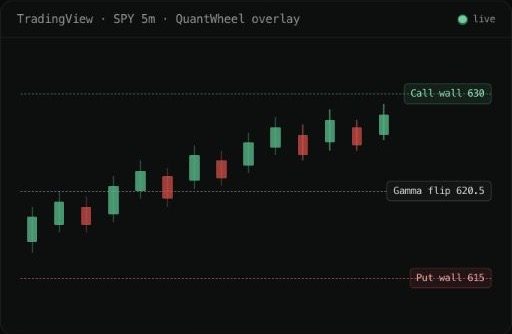
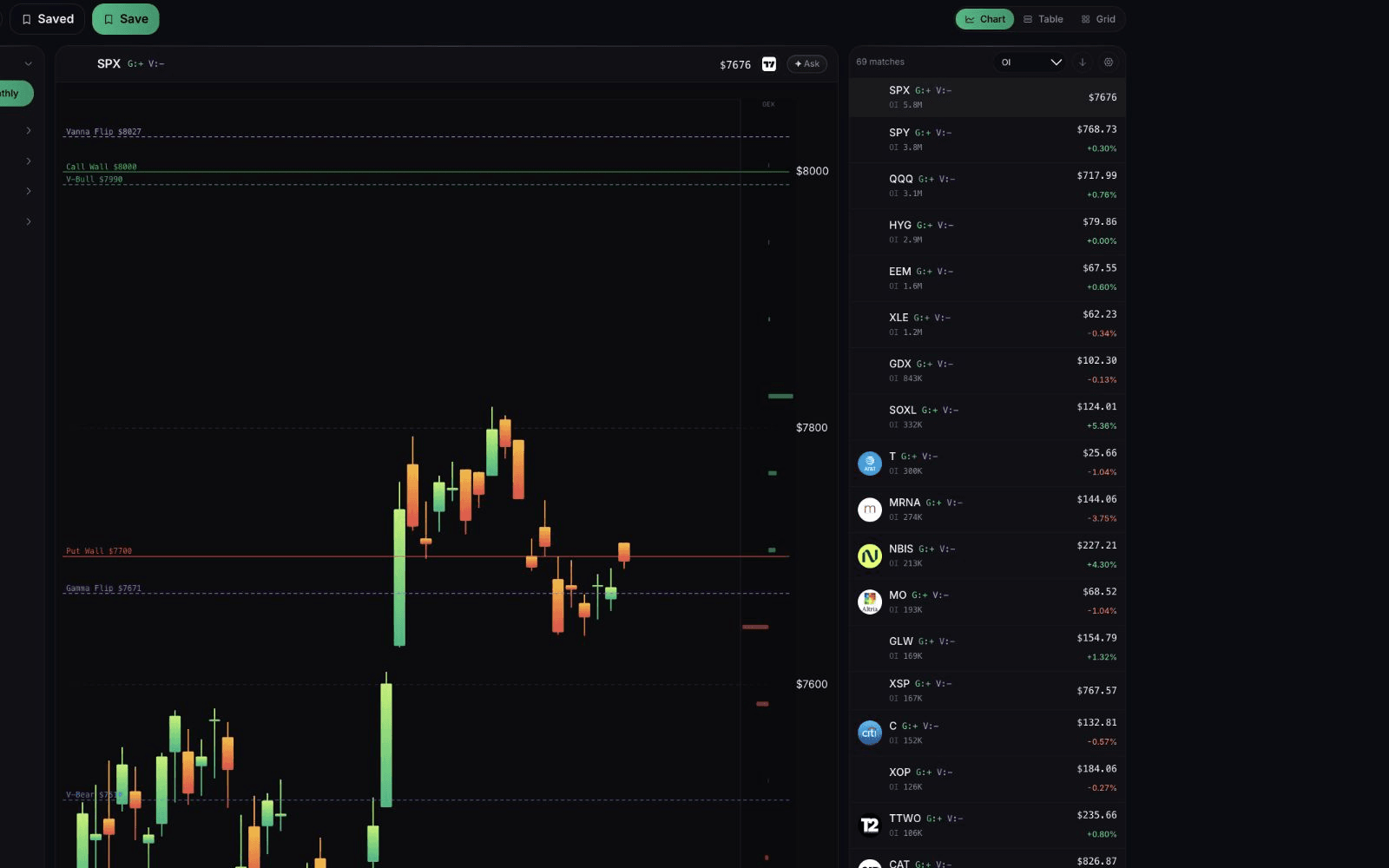
The GEX Dashboard helps traders analyze gamma exposure and market structure around options positioning. GEX can help traders understand where options positioning may influence price behavior, especially around major strikes and expirations.

It is not a signal that predicts the future. It is a market-structure lens that helps traders frame risk, positioning, and possible reaction zones.

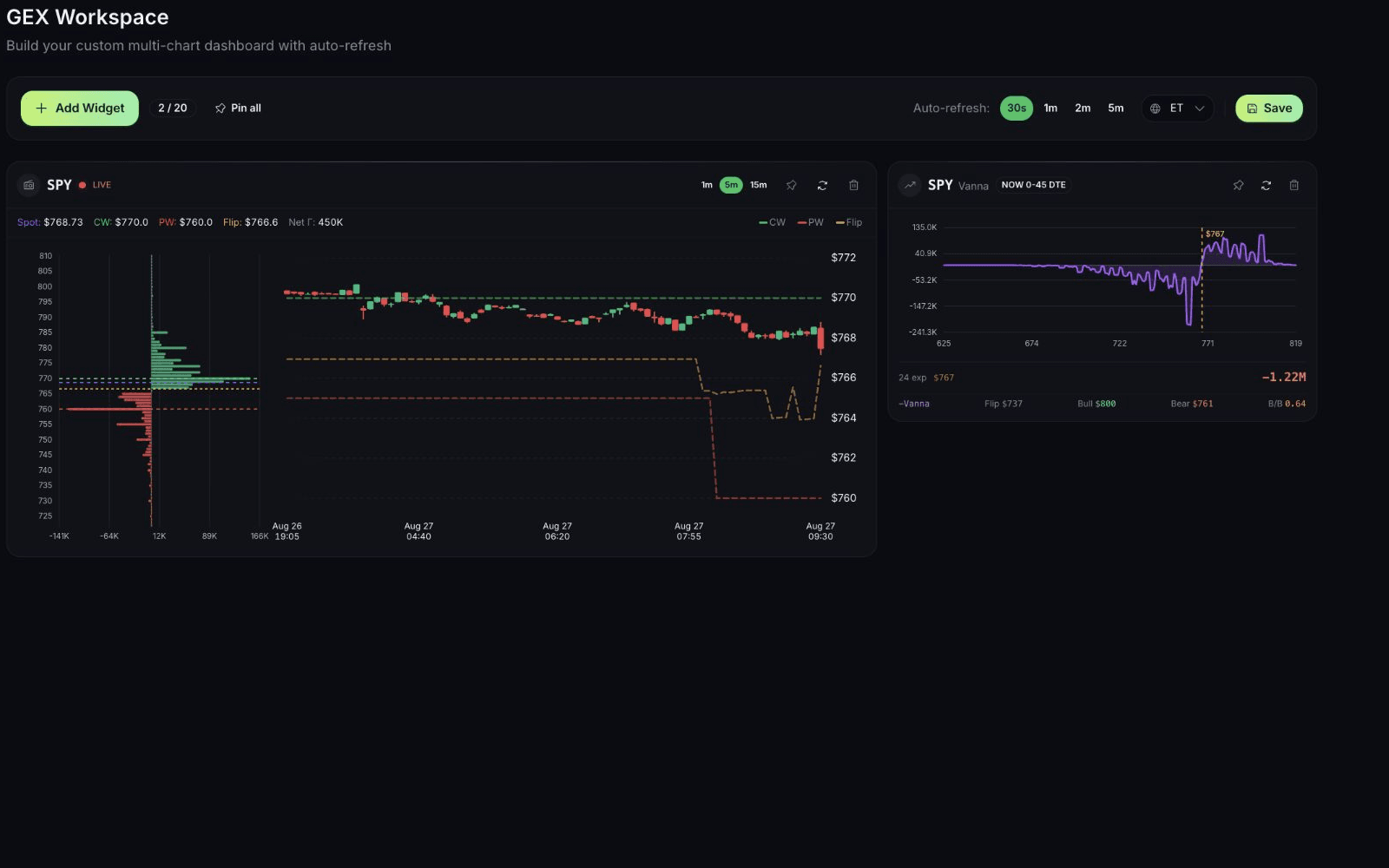
Gamma Flows

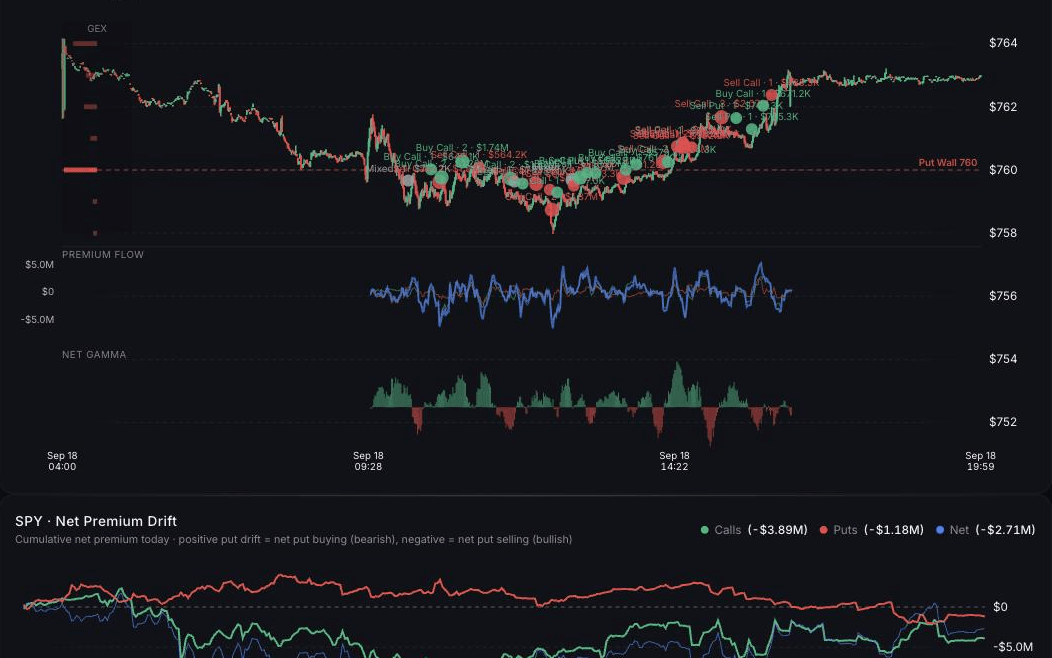
Gamma Flows helps traders monitor how options positioning and dealer hedging pressure may be changing over time. For active traders, the value is not just seeing a static level. It is seeing how the structure is shifting.

Use it as part of a broader research process, not as a standalone trade instruction.

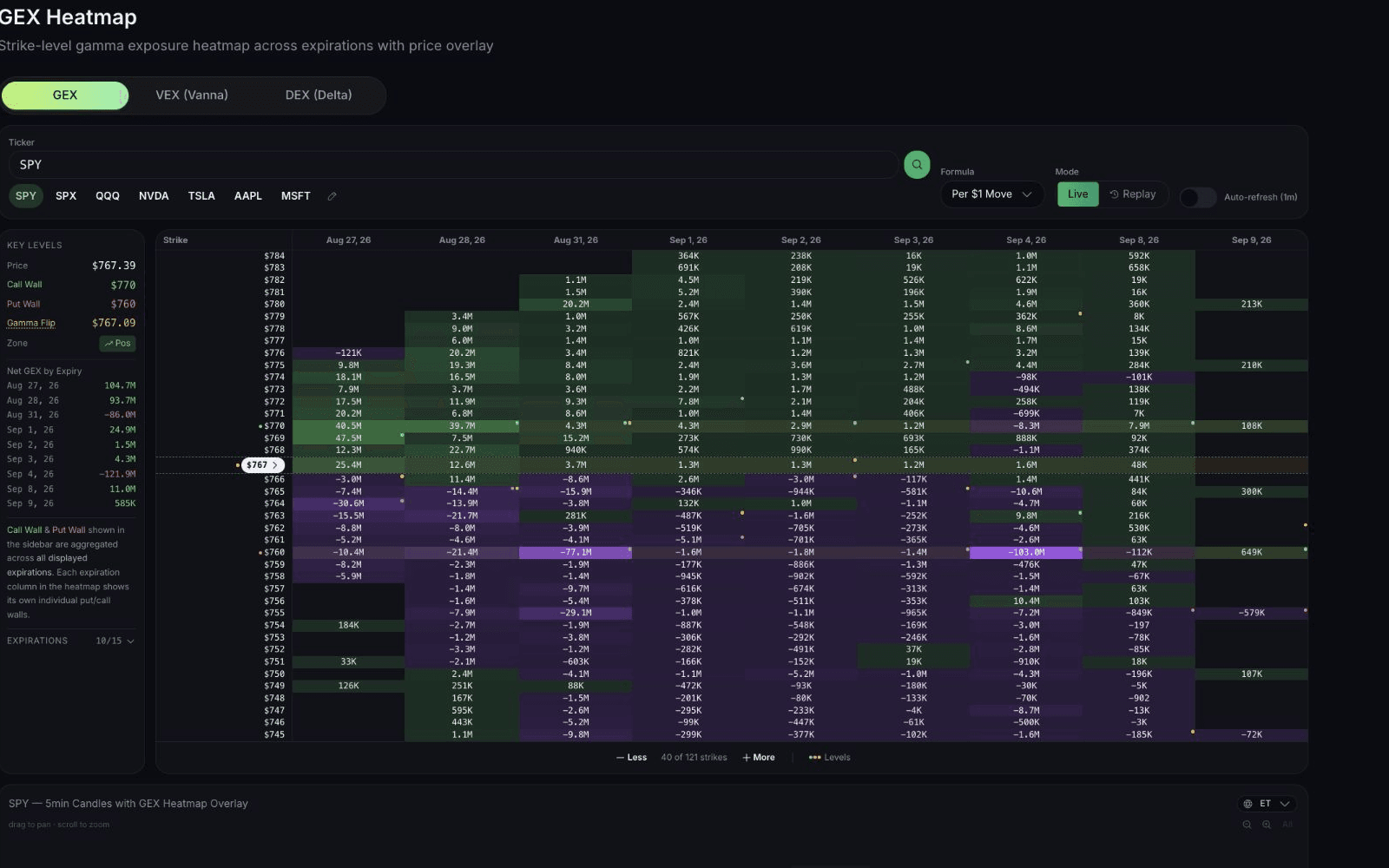
GEX Heatmap

The GEX Heatmap gives traders a visual way to inspect gamma exposure across strikes and expirations. It is built for fast scanning: where are the concentrations, where are the gaps, and which areas deserve deeper review?

GEX Calculator

The GEX Calculator gives traders a focused way to estimate or explore gamma exposure mechanics. It supports the education-to-tool path: learn the concept, test the inputs, then bring that understanding back into the dashboard.

Manage positions after the trade is open

The trade does not end at entry. For many options traders, the real work starts after the position is open.

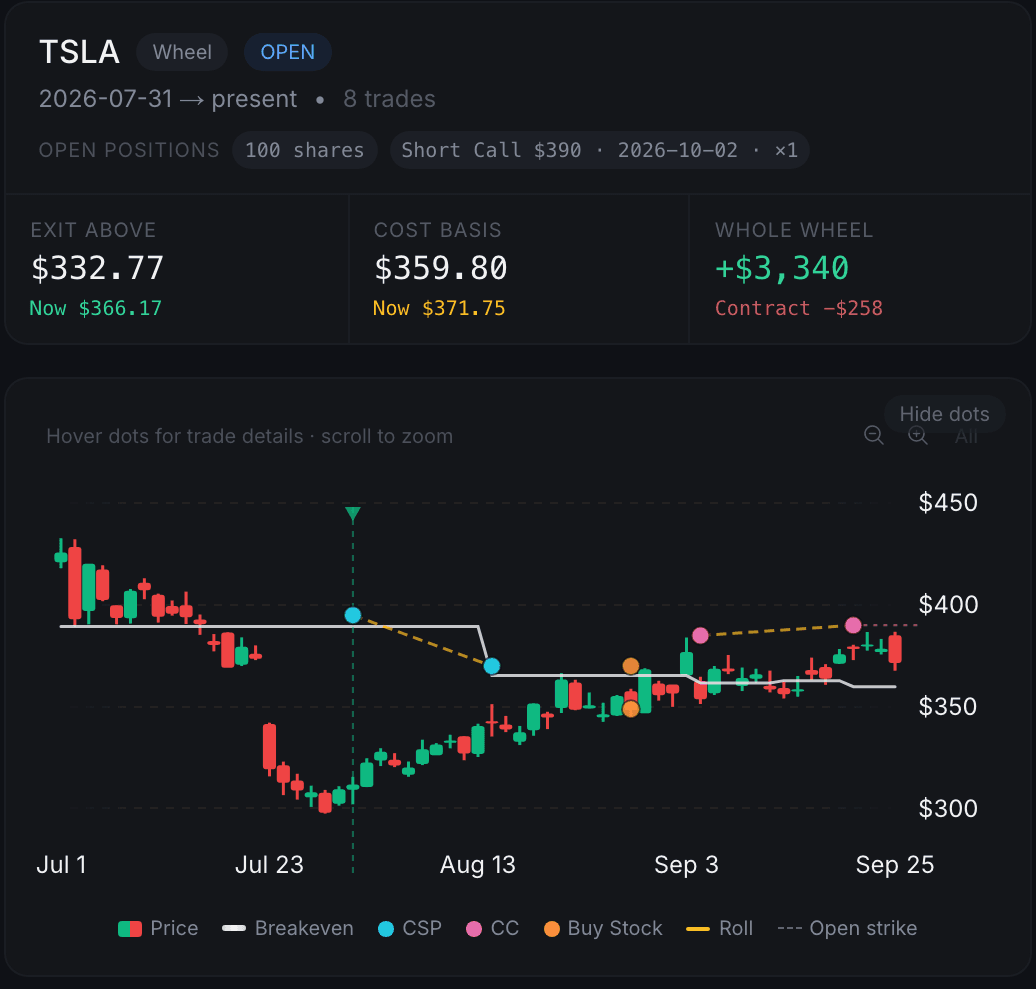
QuantWheel includes tools for tracking open trades, reviewing trade history, and analyzing potential roll decisions. That matters for options sellers, wheel traders, and active traders managing multiple expirations at once.

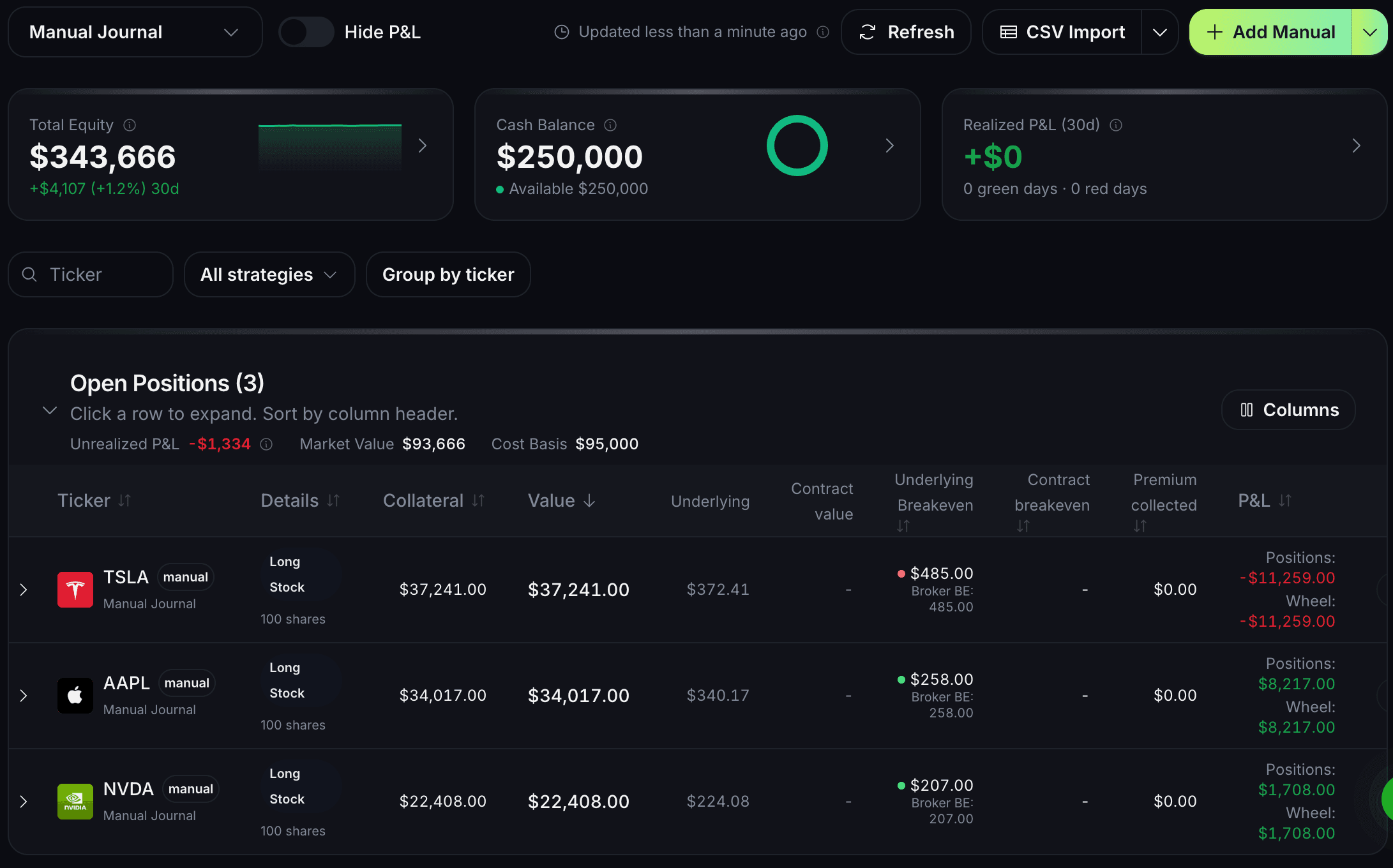
Options Journal

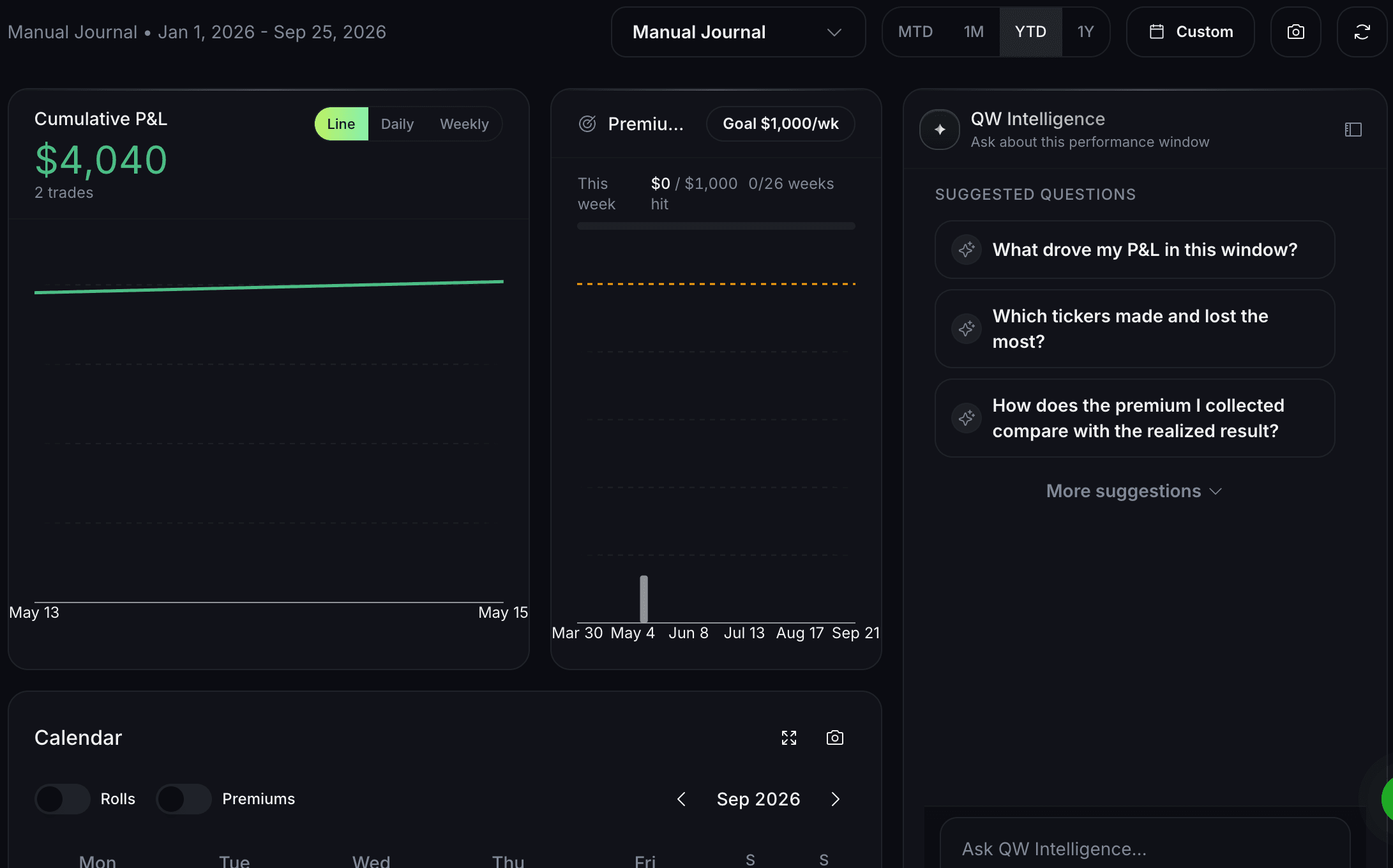
The Options Journal helps traders track trades, decisions, outcomes, and patterns over time. The goal is not to make every trade look clean in hindsight. The goal is to see what your process is actually doing.

A useful journal should help you answer questions like:

  • Which setups do I repeat?
  • Which expirations or deltas do I favor?
  • Where do losses come from?
  • Which decisions were planned and which were reactive?
  • What should change in the next cycle?

Roll Assistant and Optimal Roll

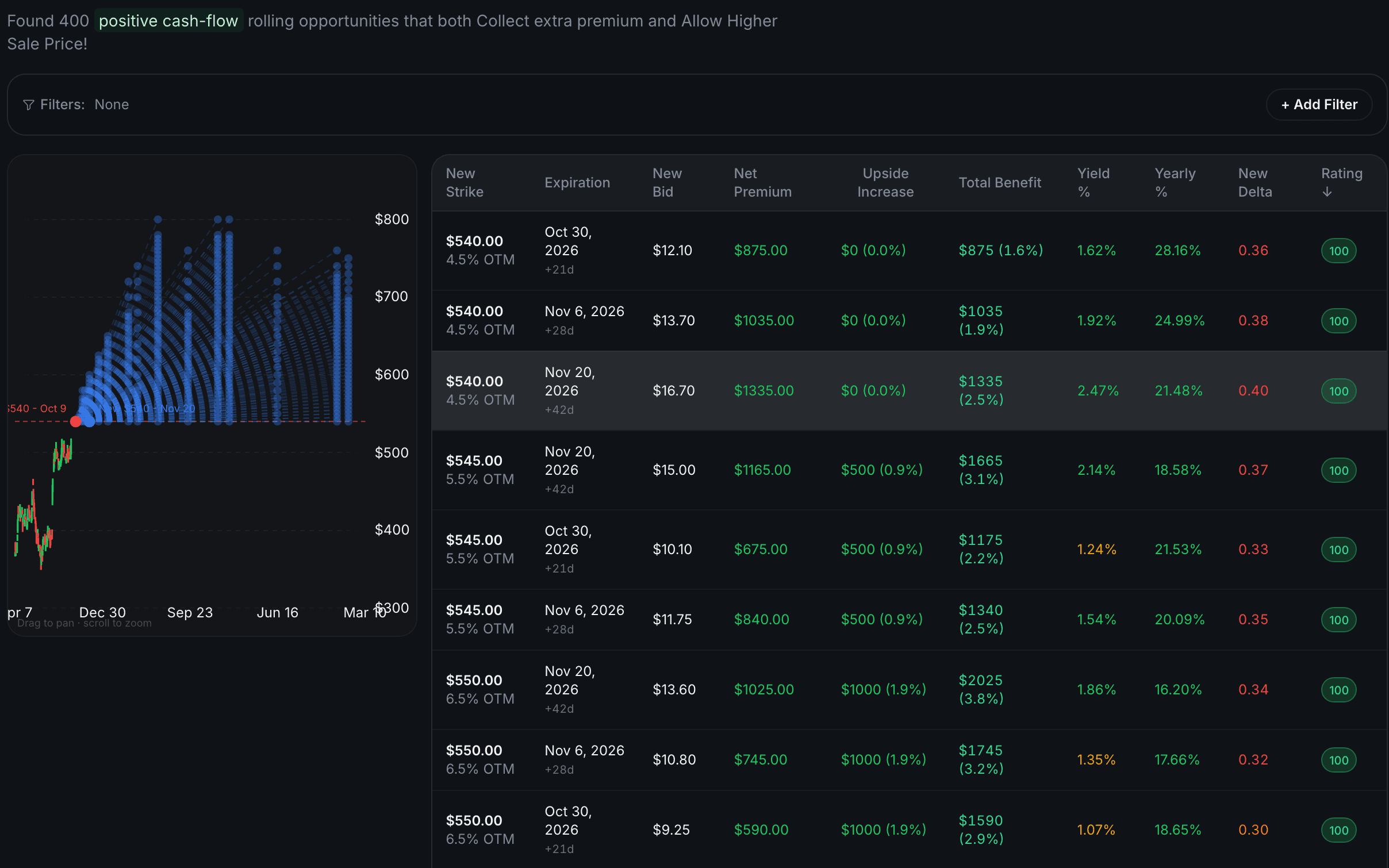
Rolling an options position is not one decision. It is a set of tradeoffs: time, strike, credit or debit, assignment risk, opportunity cost, and the reason you opened the trade in the first place.

QuantWheel’s Roll Assistant and Optimal Roll tools help traders compare roll scenarios more clearly. They are designed to support analysis, not to tell every trader what they personally should do.

Max Pain Calculator

The Max Pain Calculator helps traders inspect where options open interest may cluster around expiration. Max pain is not a trading guarantee. It is one more positioning concept traders may use when evaluating expiration dynamics.

Research with AI without outsourcing the decision

AI can help speed up research, summarize information, and surface context. It should not replace trader judgment.

QuantWheel’s AI tools are designed for research support inside an options workflow: understand a setup, review context, summarize relevant information, and keep the trader focused on the decision that still belongs to them.

QW Intelligence

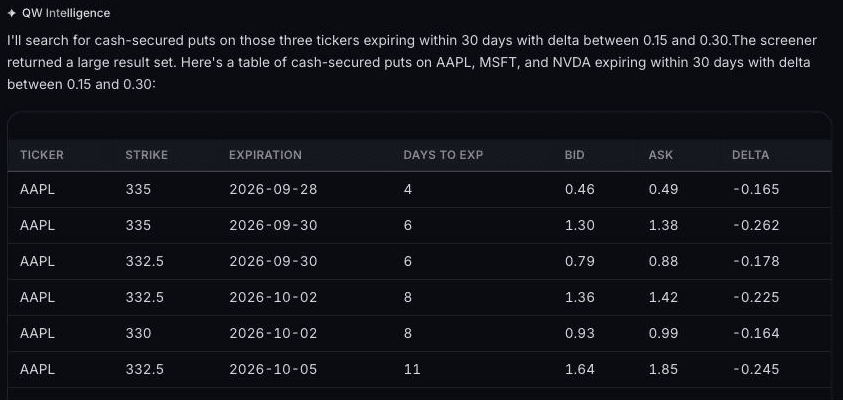
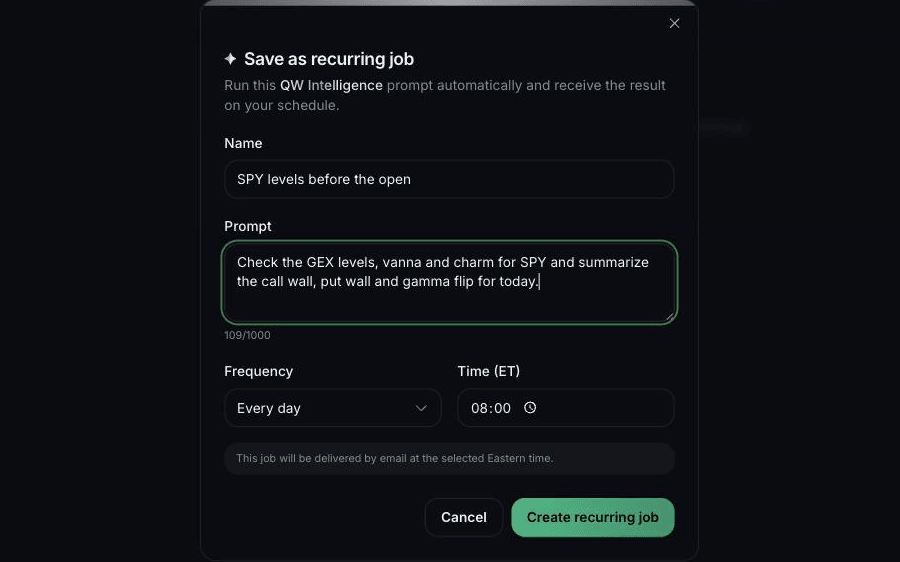
QW Intelligence helps traders research options setups, market context, and trade ideas faster. It gives QuantWheel a research layer on top of the product suite, so traders are not forced to jump between disconnected tools every time they need context.

AI Research Agents

AI Research Agents support deeper research workflows. They can help gather context, organize information, and reduce manual research friction for active traders who already know the questions they want answered.

The important part: AI research is still research. It is not personalized investment advice, and it should be checked against your own strategy, risk limits, and market view.

Follow, monitor, and learn from trader activity

Some traders want to see how others structure trades, manage positions, or react to market conditions. QuantWheel’s copy trading and monitoring features can support that research path.

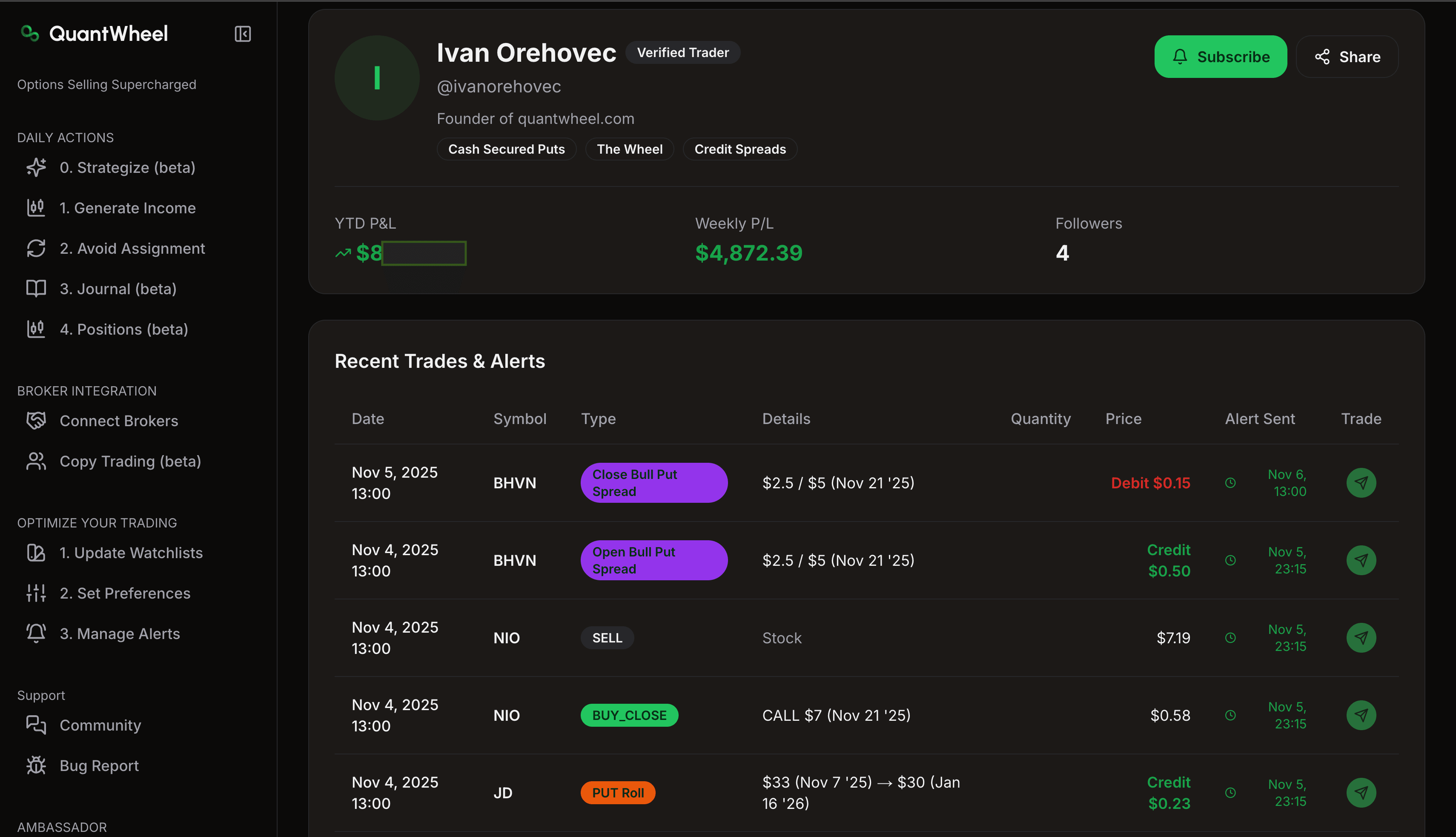
Copy Trading

Copy Trading lets traders observe or follow selected trading activity inside the QuantWheel ecosystem. This can be useful for learning workflows, comparing decision patterns, and monitoring how different strategies behave.

Copy trading still carries risk. A trade that fits one account, timeframe, or risk profile may not fit another. Treat copied or observed activity as a research input, not a shortcut around risk management.

Use calculators and scanners when you need a focused answer

Not every task needs the full platform. Sometimes you need a fast calculation or a focused scanner.

QuantWheel’s free and focused tools help traders answer narrow questions quickly, then move into the broader product workflow when they need more context.

Options Calculator

Use the Options Calculator to inspect contract behavior, pricing inputs, and scenario changes. It is useful for understanding how variables such as volatility, time, and price movement affect an option.

Earnings Expected Move Scanner

Use the Earnings Expected Move Scanner to research implied market expectations around earnings events. Expected move can help frame risk before an event, but it does not predict the final move or direction.

Strategy Explorer

Use Strategy Explorer to compare options strategies and understand where each one fits. For newer active traders, this is often the bridge between learning a concept and using a live research tool.

How the QuantWheel product suite fits together

QuantWheel is not one tool pretending to solve every problem. It is a connected workflow for active options traders.

Trading jobQuantWheel tools
Find trade candidatesOptions Selling Screener, Options Buying Screener, Strategy Explorer
Analyze market structureGEX Dashboard, Gamma Flows, GEX Heatmap, GEX Calculator
Review contract behaviorOptions Calculator, Earnings Expected Move Scanner, Max Pain Calculator
Manage open positionsOptions Journal, Roll Assistant, Optimal Roll
Research fasterQW Intelligence, AI Research Agents
Monitor trader activityCopy Trading

The advantage is the connection between those jobs. A trader can move from screening, to structure analysis, to position management, to review without rebuilding the process from scratch every time.

Who QuantWheel is built for

QuantWheel is built for active retail options traders who want a more structured workflow.

It is a strong fit if you:

  • sell options and need better screening and roll analysis
  • trade around GEX, gamma flows, volatility, or expiration structure
  • use the wheel strategy but do not want QuantWheel to stop there
  • want a journal that helps you review decisions, not just record trades
  • want AI-assisted research without treating AI as a trading signal
  • prefer tools that connect education, screening, analysis, and review

It is probably not the right fit if you want a passive investing app, guaranteed trading outcomes, or a tool that tells you exactly what to buy or sell.

Learn the concepts behind the tools

The best options tools are more useful when the trader understands the concepts behind them. Start here:

Frequently asked questions

Build a cleaner options trading workflow

Screen trades, analyze GEX and gamma flows, manage positions, research with AI, and review your decisions in one QuantWheel workspace.

Options trading involves substantial risk and is not suitable for all investors. Before trading options, you should read the Options Disclosure Document available from the Options Clearing Corporation. Past performance does not guarantee future results. This page is for educational and informational purposes only and is not personalized investment advice. QuantWheel provides software tools for research, screening, analytics, journaling, and workflow support. All trading decisions remain the responsibility of the individual trader.