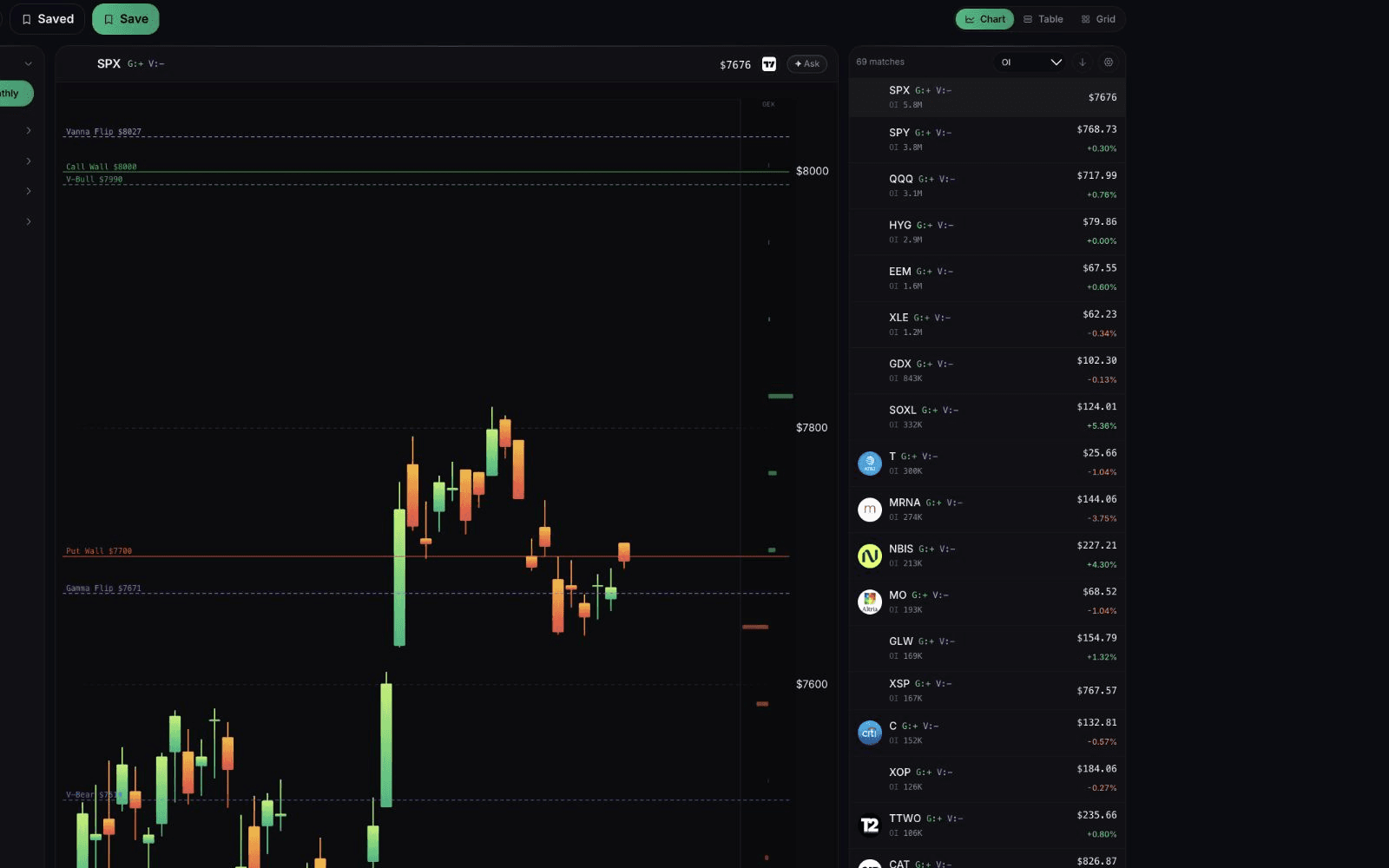
Up to 20 widgets
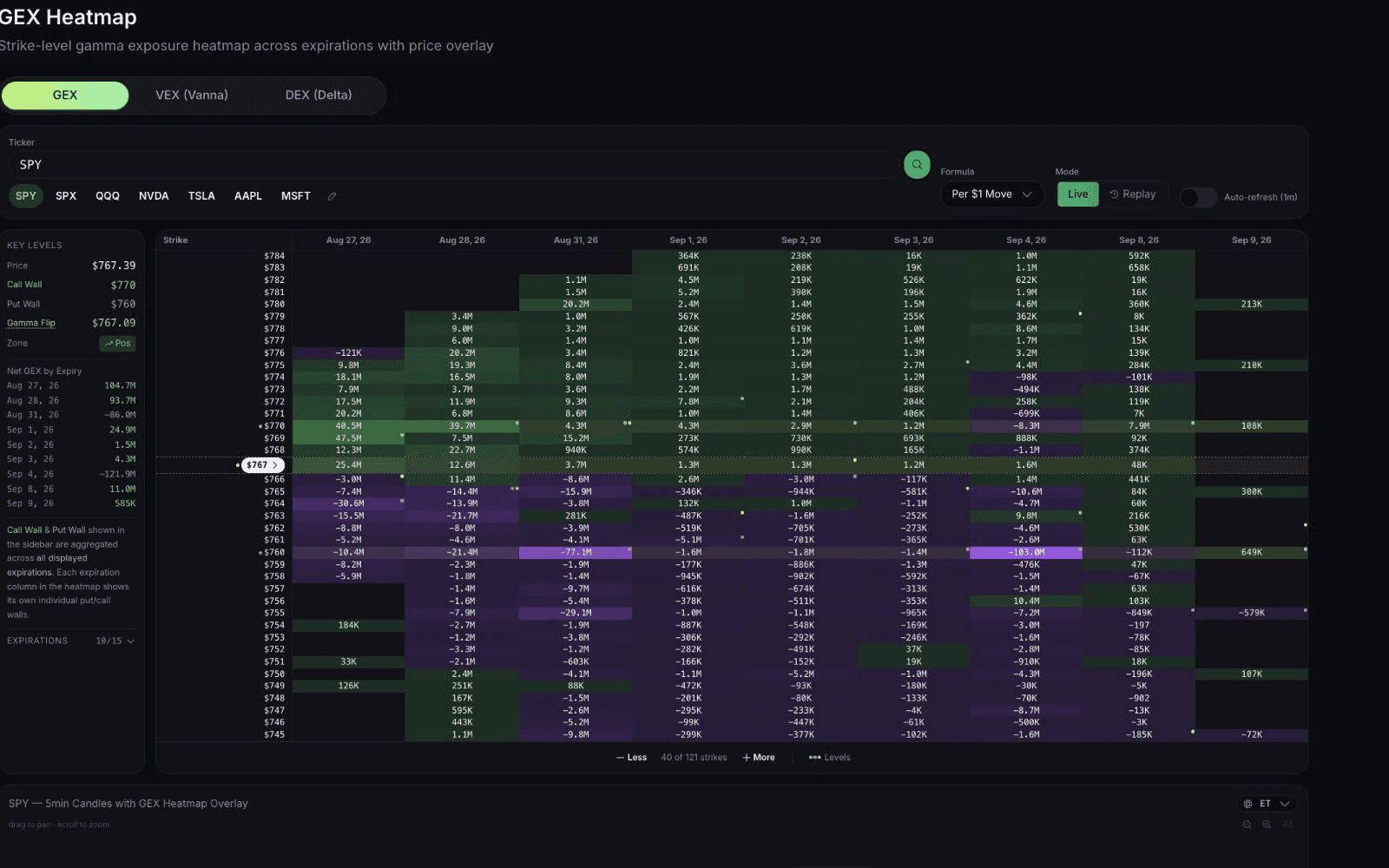
Gamma, Vanna, Charm, DEX, heatmap, replay, max pain, flow, prints.
Gamma Exposure
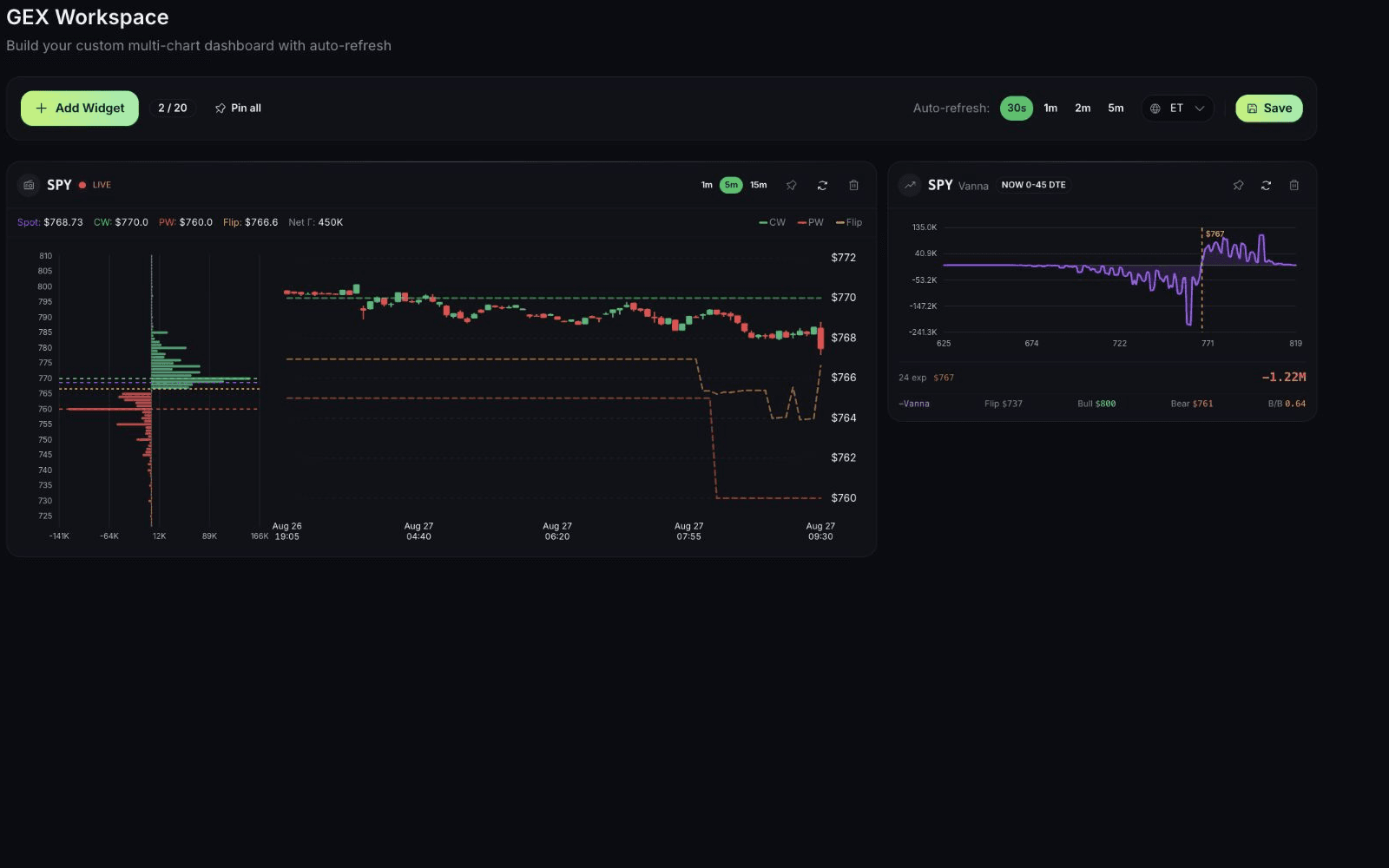
Keep every GEX view you use for your tickers on one saved screen, so a full read of market structure takes one glance instead of ten tabs.
$1 for 7 days • Cancel anytime • 14-day money-back guarantee
Capabilities
Gamma, Vanna, Charm, DEX, heatmap, replay, max pain, flow, prints.
Move, resize, pin, and keep it.
Every 30 seconds, 1, 2, or 5 minutes.
How it works
Ticker, chart type, settings.
Until it matches how you work.
Pick the refresh interval.
Coverage depends on supported symbols, data, and account access. Modeled outputs are research context, not a promise.
Continue your workflow
FAQ
GEX Workspace
$1 for 7 days • Cancel anytime • 14-day money-back guarantee
Options trading involves substantial risk and is not suitable for all investors. QuantWheel provides software for research, analysis, screening, tracking, and workflow support. It does not provide personalized investment advice or guarantee trading outcomes.