QuantWheel

Wheel strategy software for screening, rolls, and journaling

QuantWheel brings Wheel screening, broker-connected position tracking, roll review, covered-call research, and premium-adjusted cost basis into one workflow.

Start 7‑Days for $1

Research and position-management software for traders who make their own decisions.

QuantWheel does not provide investment advice or guarantee trading outcomes.

One Wheel Workflow

The Wheel is a position lifecycle, not a single trade

QuantWheel is built for self-directed options sellers who want to research the next trade and keep the current position organized. It connects the work from the first cash-secured put through rolls, assignment, shares, covered calls, and the journal. It supports decisions, but it does not make them for you.

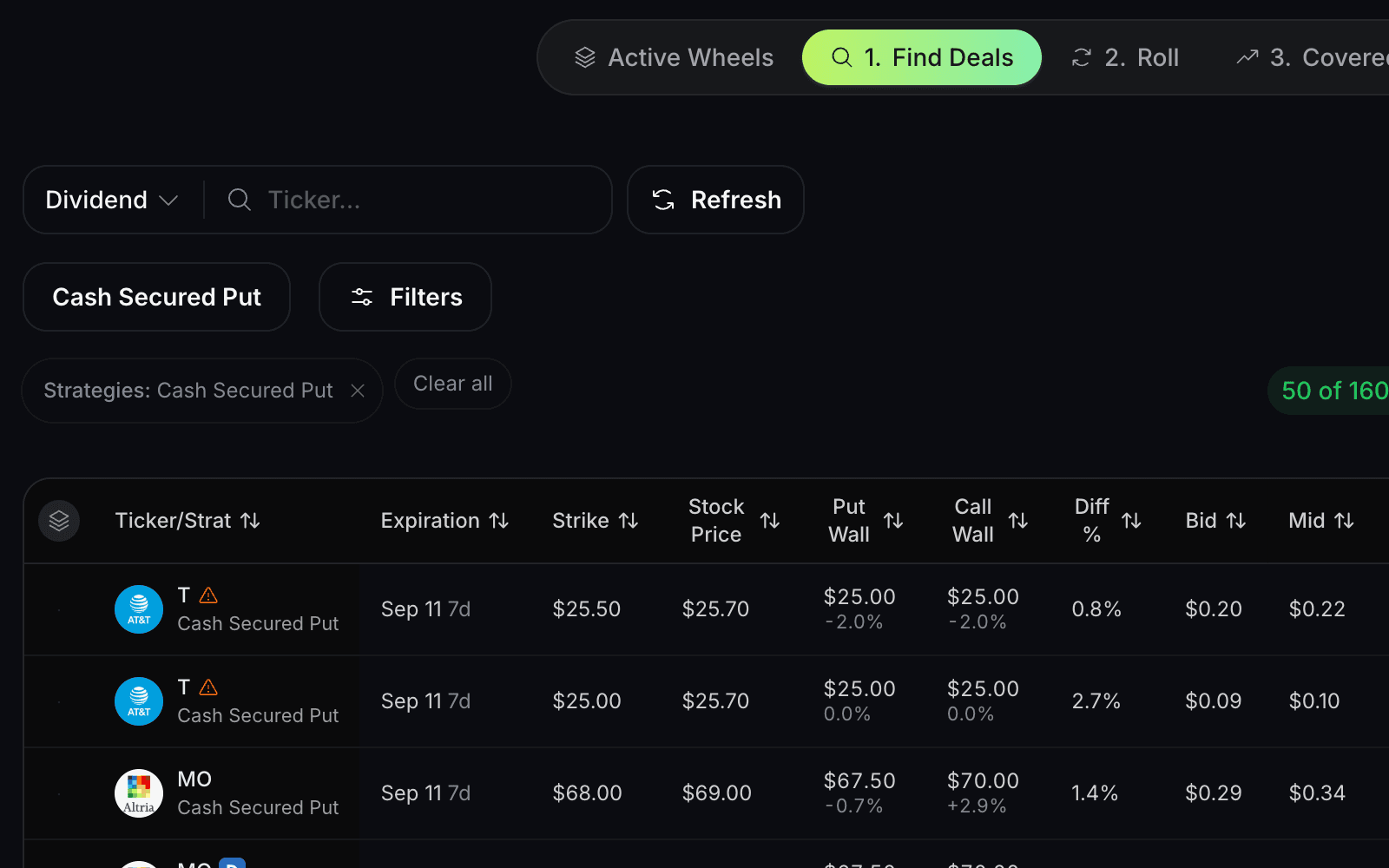
Research the setup

Filter Wheel candidates and inspect the contract and company information before you act.
Manage the position

See what is open, what changed, and which expirations or strikes deserve review.
Keep the history

Connect premiums, rolls, assignments, shares, and covered calls to one position record.
The biggest risk isn't assignment.
It's running the Wheel without a system.

Most traders today are:

01

Guessing strikes inside their broker

No screener, no data - just scrolling option chains and hoping for the best.

02

Tracking rolls in messy spreadsheets

Manual logging that breaks the moment you roll, get assigned, or adjust.

03

Forgetting the real cost basis after adjustments

Rolls, assignments, and splits make it impossible to know your true P&L.

04

Checking 3–4 tools just to make one decision

Broker, screener, spreadsheet, Discord - context-switching kills your edge.

That friction adds up. You lose hours every week, and you miss good trades.

QuantWheel replaces the chaos with one clean workflow for the entire Wheel strategy in under 20 minutes.

The Wheel Strategy, step by step

Select a step to see how the position moves through the complete cycle.

Wheel
01

Define Outcomes

Set your criteria and target filters for your portfolio

Define OutcomesFind DealsRollSell CallsAuto JournalCopy & Share

Sample data, illustrative only

How QuantWheel supports the Wheel strategy

A focused workflow from candidate research to position history.

1

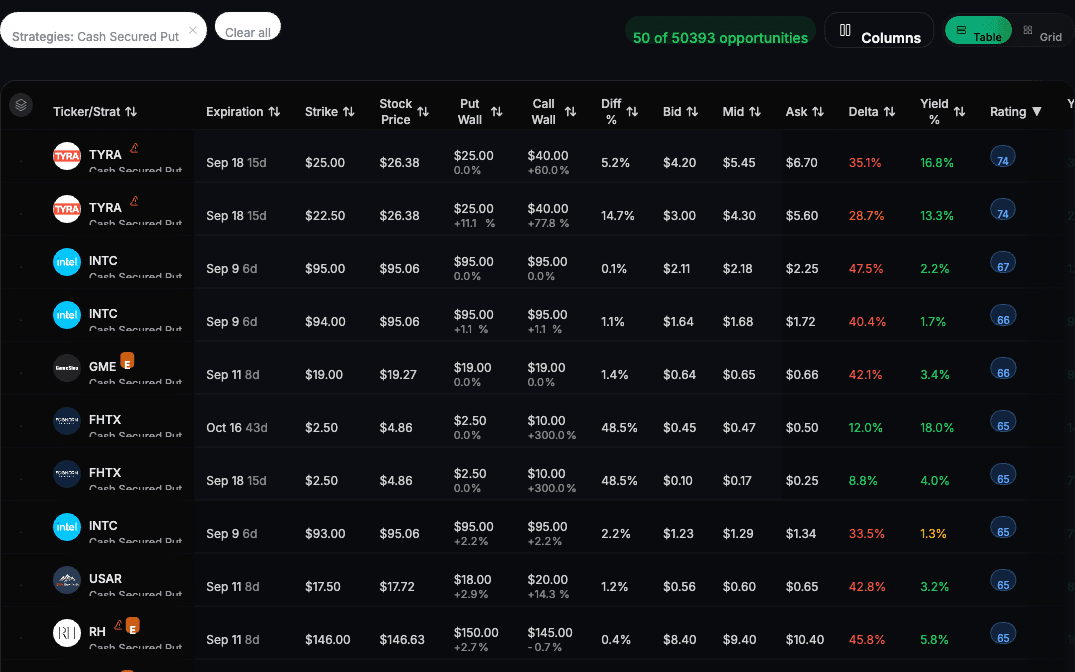
Screen Wheel candidates

Compare cash-secured puts with filters for expiration, strike, premium, liquidity, and company quality before opening a position.

QuantWheel Wheel screener comparing cash-secured put candidates and option details
2

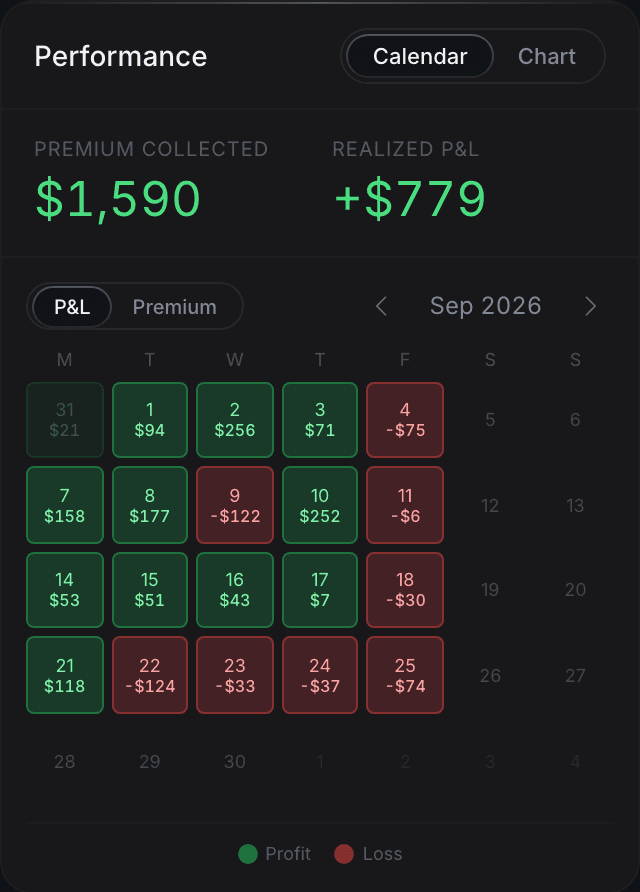
Track the open position

Keep the option, underlying shares, expiration, premium, and position history together instead of rebuilding the picture across separate tools.

QuantWheel dashboard showing open options positions and portfolio information
3

Review roll choices

Compare available strikes and expirations when a position needs attention. Review the trade-offs before choosing what to do in your broker.
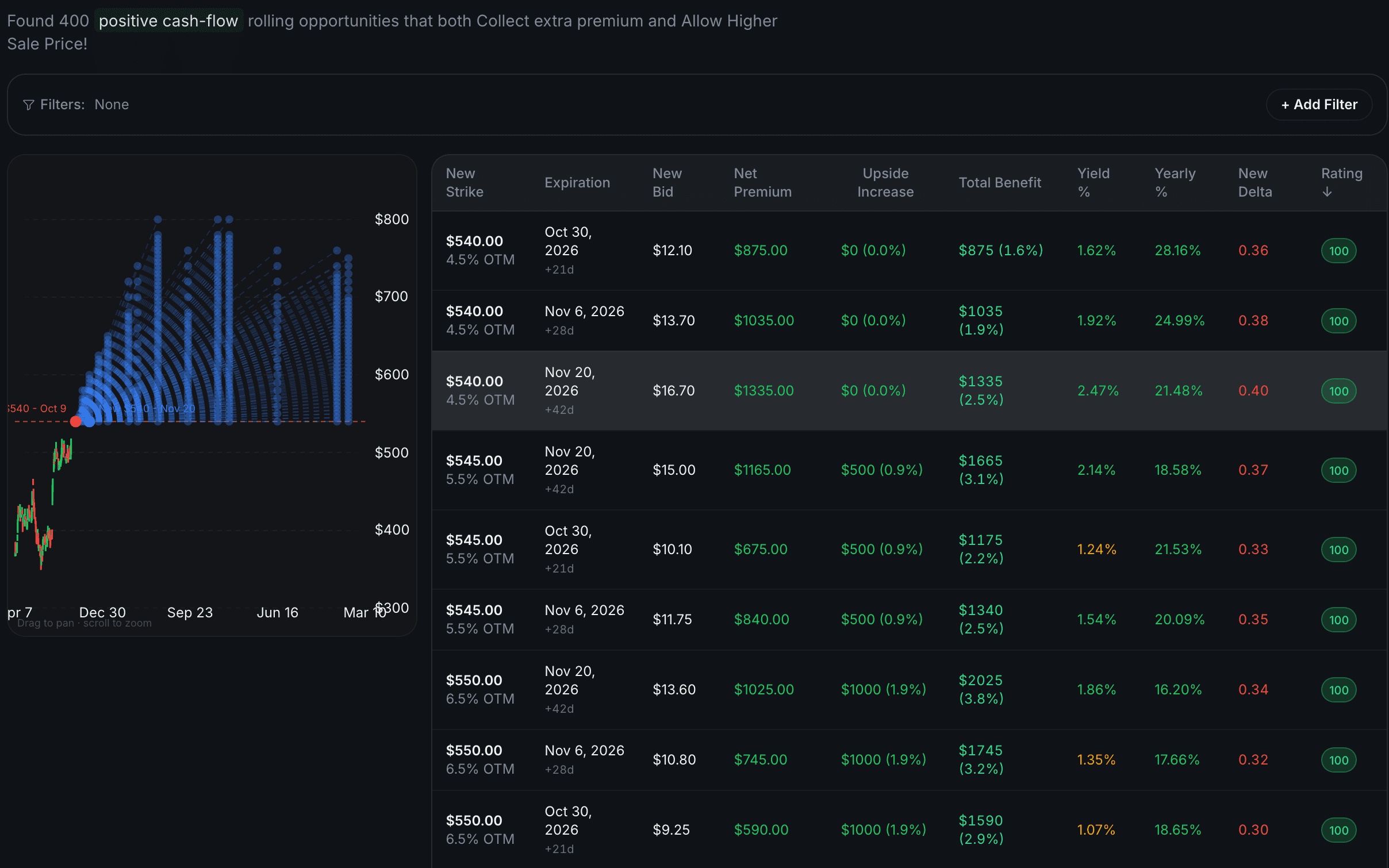
QuantWheel roll review showing alternative strikes and expirations for an options position
4

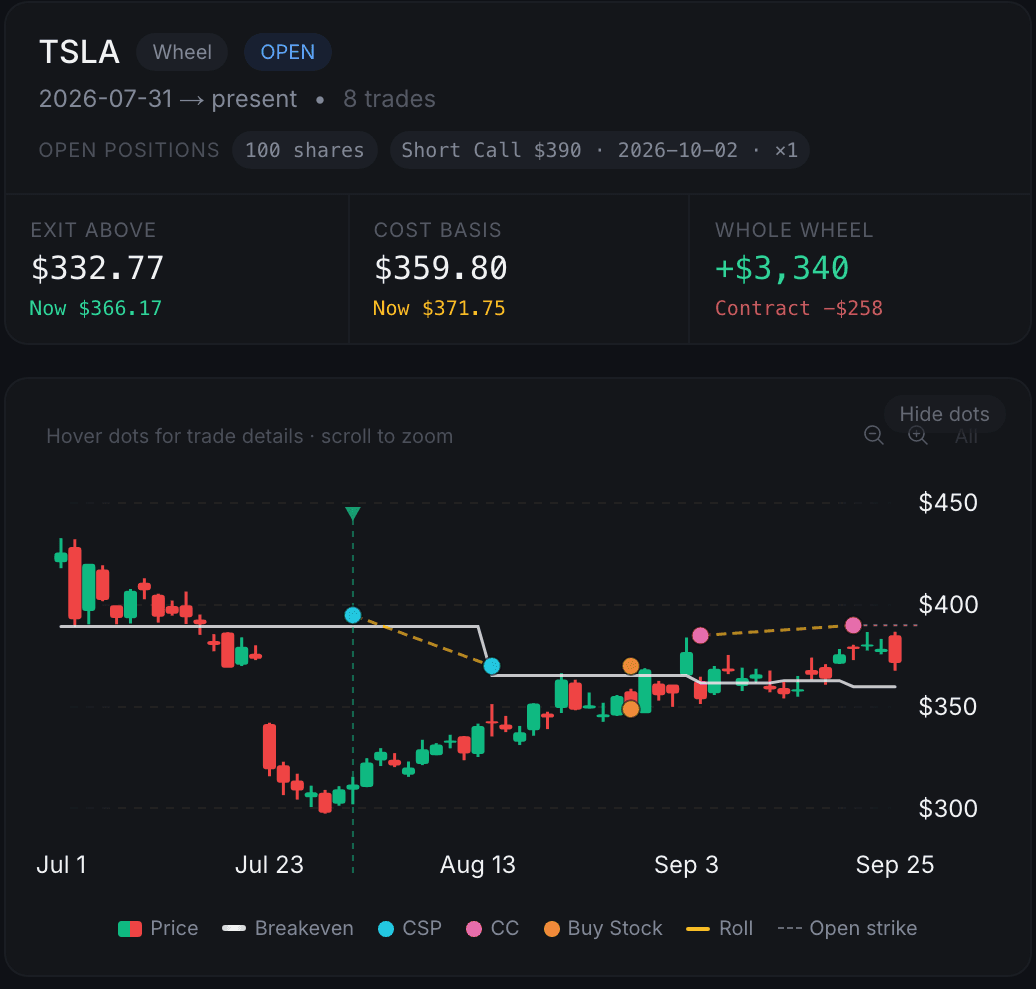
Journal the full Wheel cycle

Keep puts, rolls, assignments, shares, covered calls, and premium-adjusted cost basis connected to the same position history.

QuantWheel options journal tracking a Wheel position and its premium-adjusted cost basis

Learn the strategy before choosing the software

Use the educational guide for the mechanics, or calculate a sample Wheel cycle before opening the product.

FAQ

Wheel strategy software FAQ

The essentials on workflow, broker connections, position history, and risk.

QuantWheel

QuantWheel brings candidate screening, broker-connected position tracking, roll review, covered-call research, and journaling into one workflow for traders using the Wheel strategy.

You can research opportunities without connecting a broker. A supported broker connection is needed when you want your positions and trade history to sync automatically.

Yes. The journal is designed to keep those events connected to the same position history so you can review the Wheel cycle and its changing cost basis in one place.

No. QuantWheel supports research and position management, but it cannot remove assignment, market, liquidity, or execution risk. You remain responsible for every trading decision.

Put the full Wheel workflow in one place

Review candidates, open positions, rolls, assignments, covered calls, and position history without piecing the process together across separate tools.

Review current access and pricing before you start.