Filter by positioning
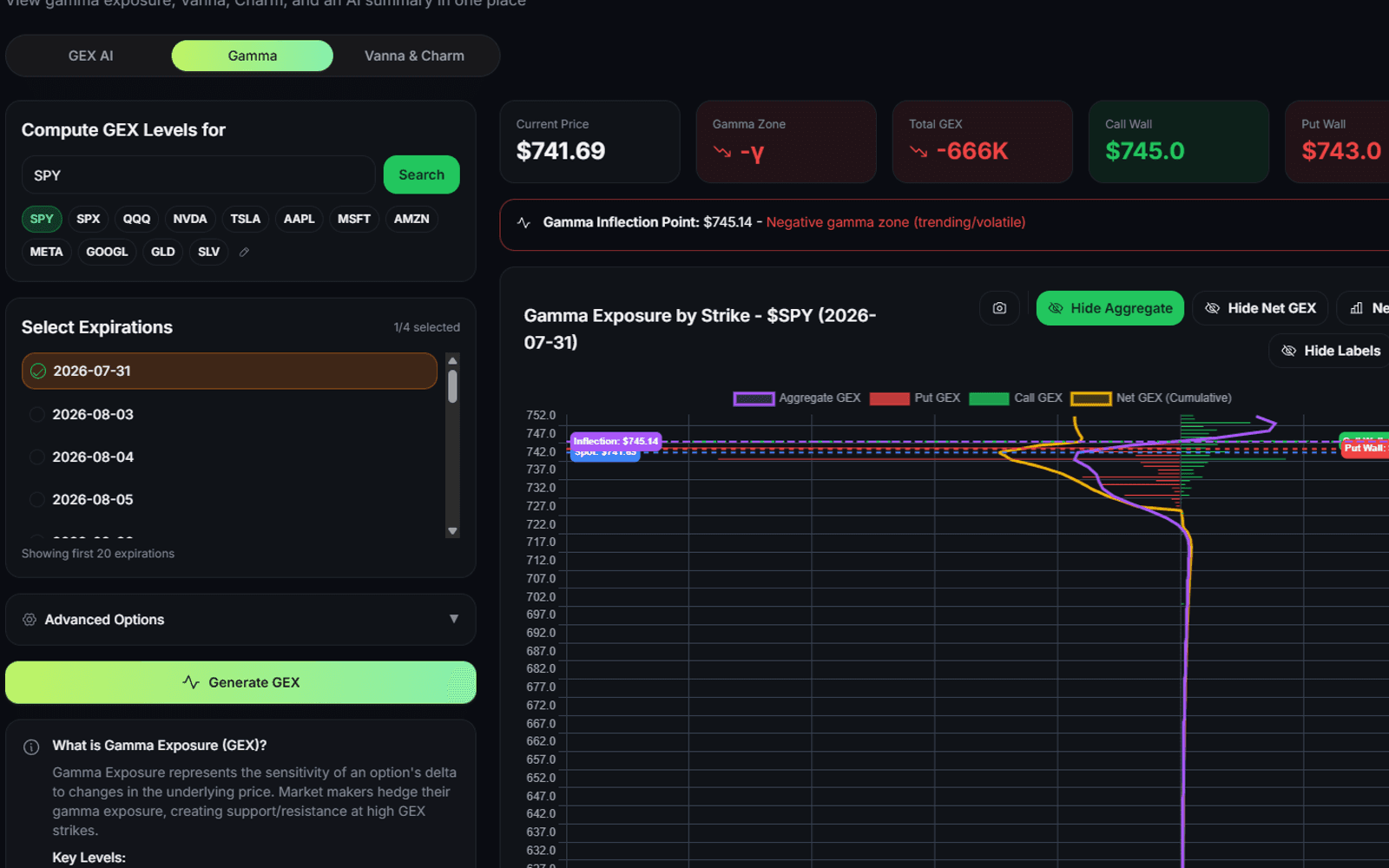
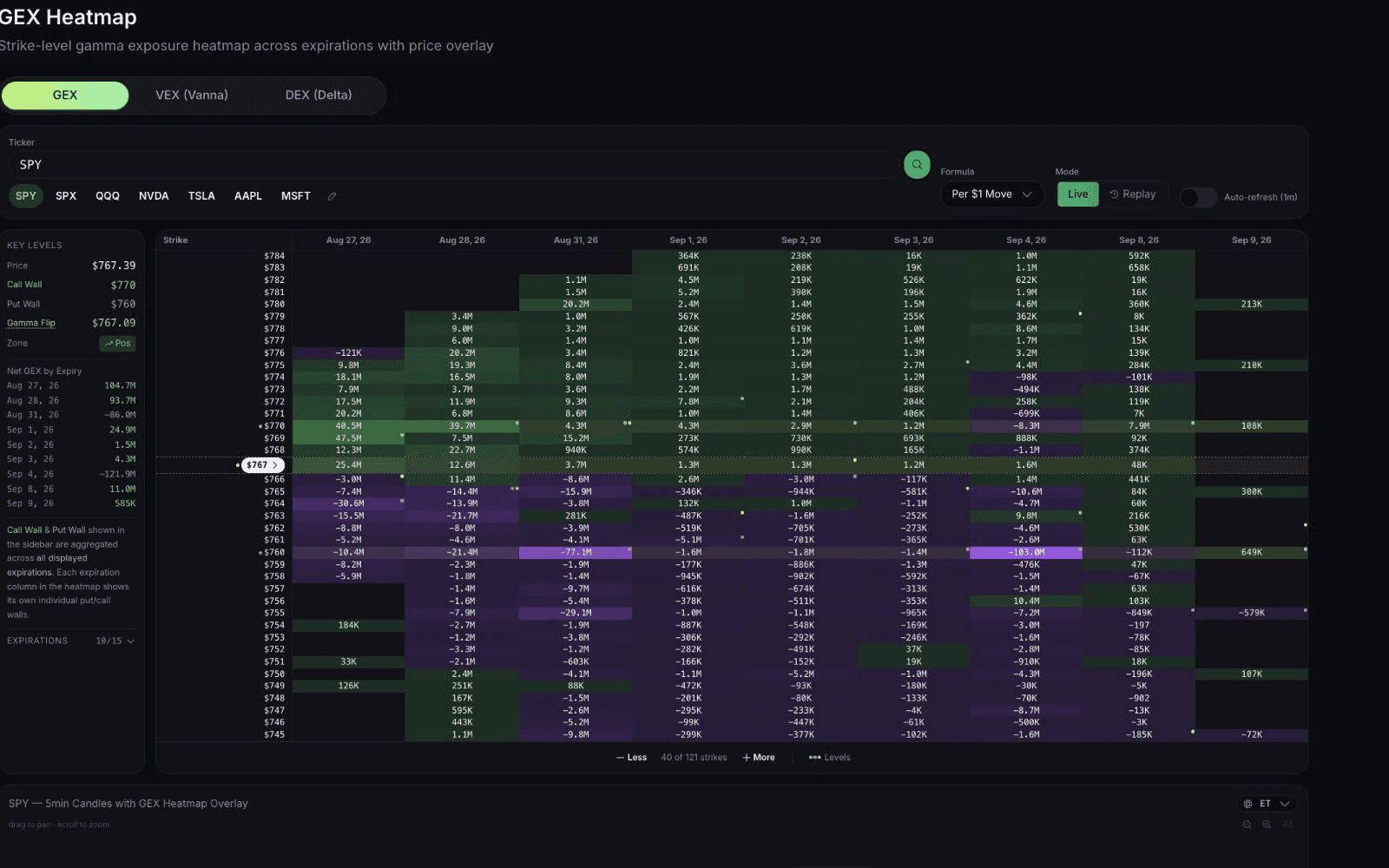
Gamma and Vanna conditions across four time anchors.
Gamma Exposure
Find the tickers whose dealer positioning fits your setup today, instead of opening charts one at a time.
$1 for 7 days • Cancel anytime • 14-day money-back guarantee
Capabilities
Gamma and Vanna conditions across four time anchors.
Keep a filter set and run it again tomorrow.
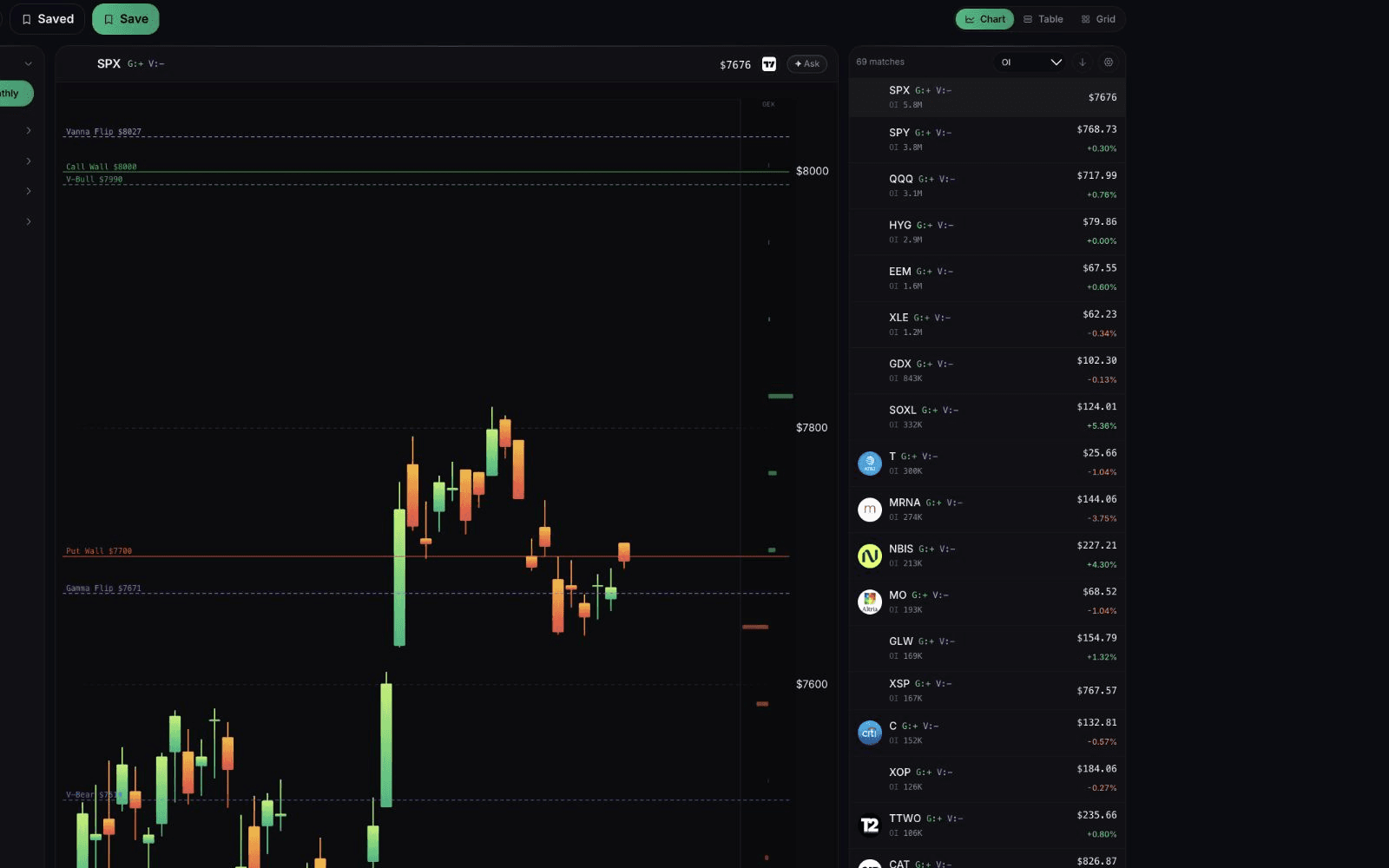
Chart, Table, or Grid, then open the ticker.
How it works
0DTE, weekly, monthly, or 0-45 DTE.
Gamma, Vanna, distance, regime.
Open a candidate, save the screen.
Results depend on supported symbols, data, and model assumptions. A match is a research candidate, not a recommendation.
Continue your workflow
FAQ
GEX Screener
$1 for 7 days • Cancel anytime • 14-day money-back guarantee
Options trading involves substantial risk and is not suitable for all investors. QuantWheel provides software for research, analysis, screening, tracking, and workflow support. It does not provide personalized investment advice or guarantee trading outcomes.