QuantWheel

Built for the Wheel

Options trading journal… that keeps up with your rolls

Auto-sync your trades from 15+ brokers and track cost basis across puts, rolls, assignments, shares, and covered calls. QuantWheel keeps the full position story in one place, so your journal matches how the trade actually unfolded.

$1 for 7 days • Cancel anytime • 14-day money-back guarantee

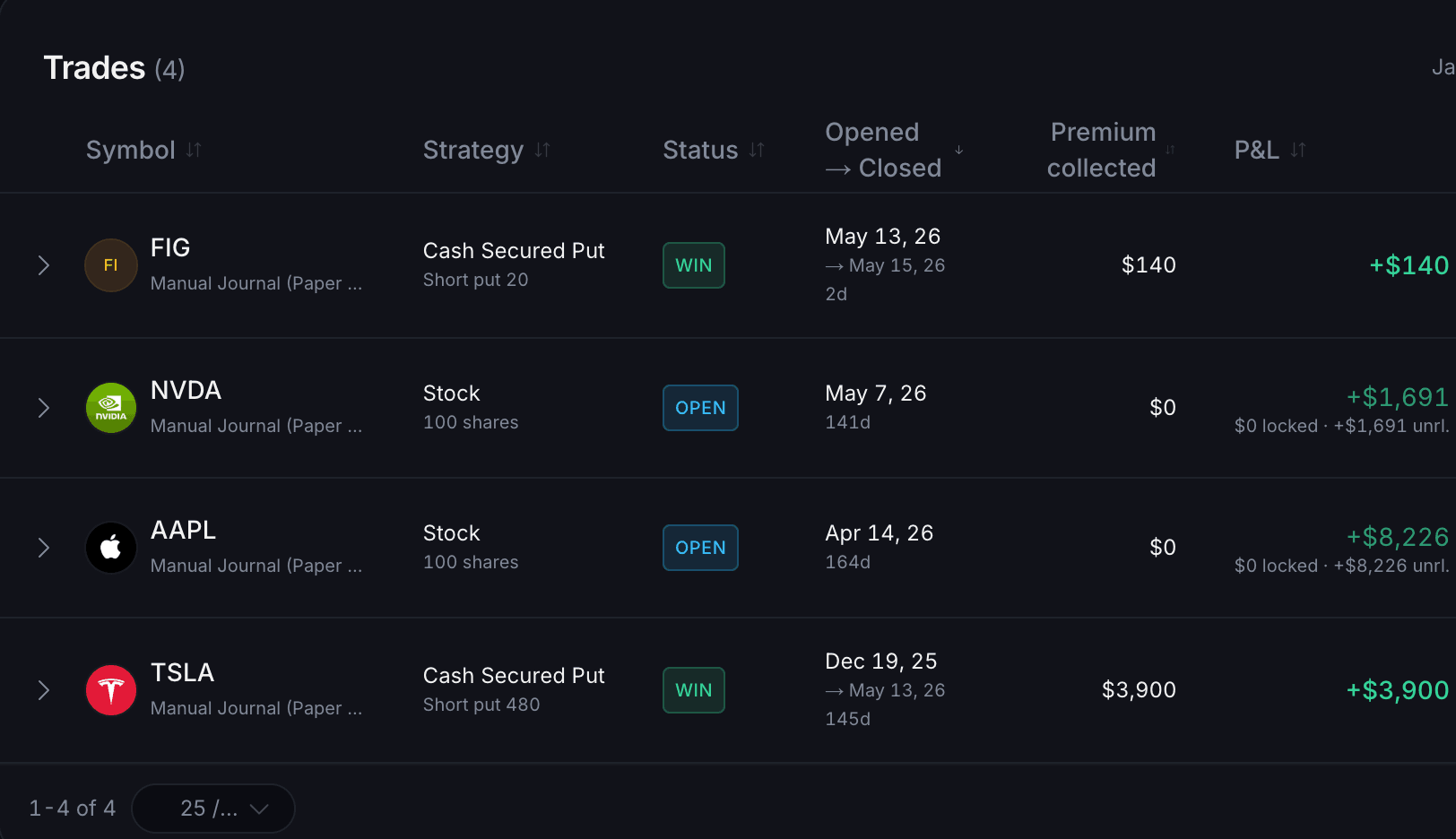
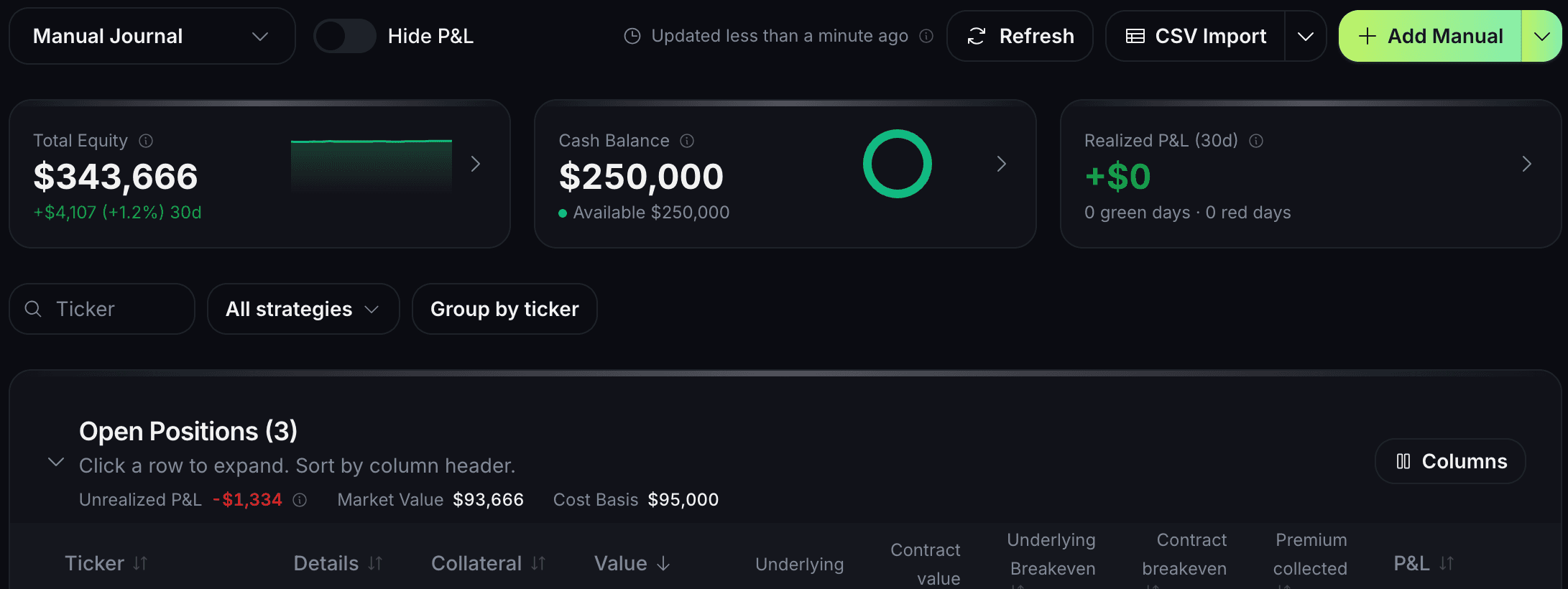
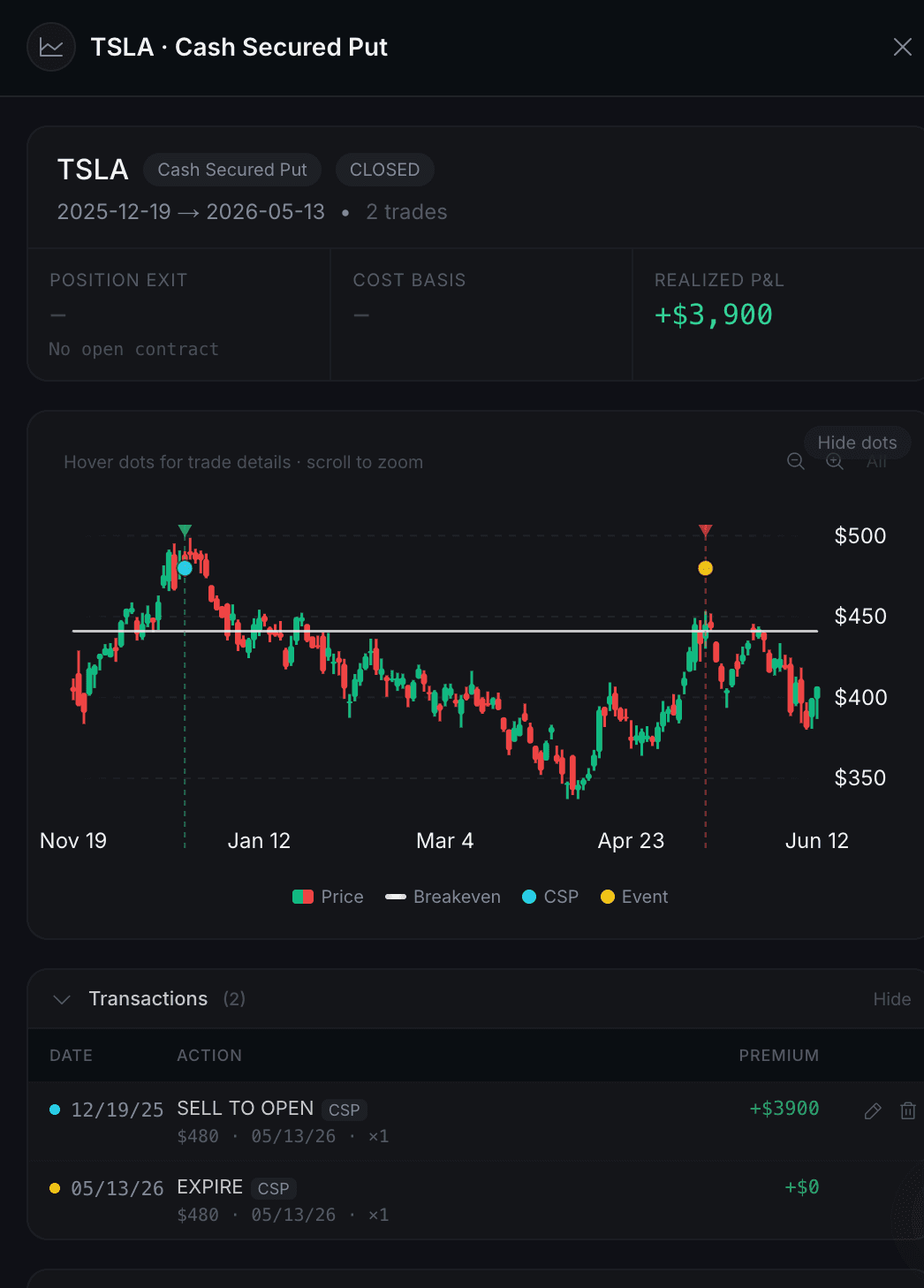
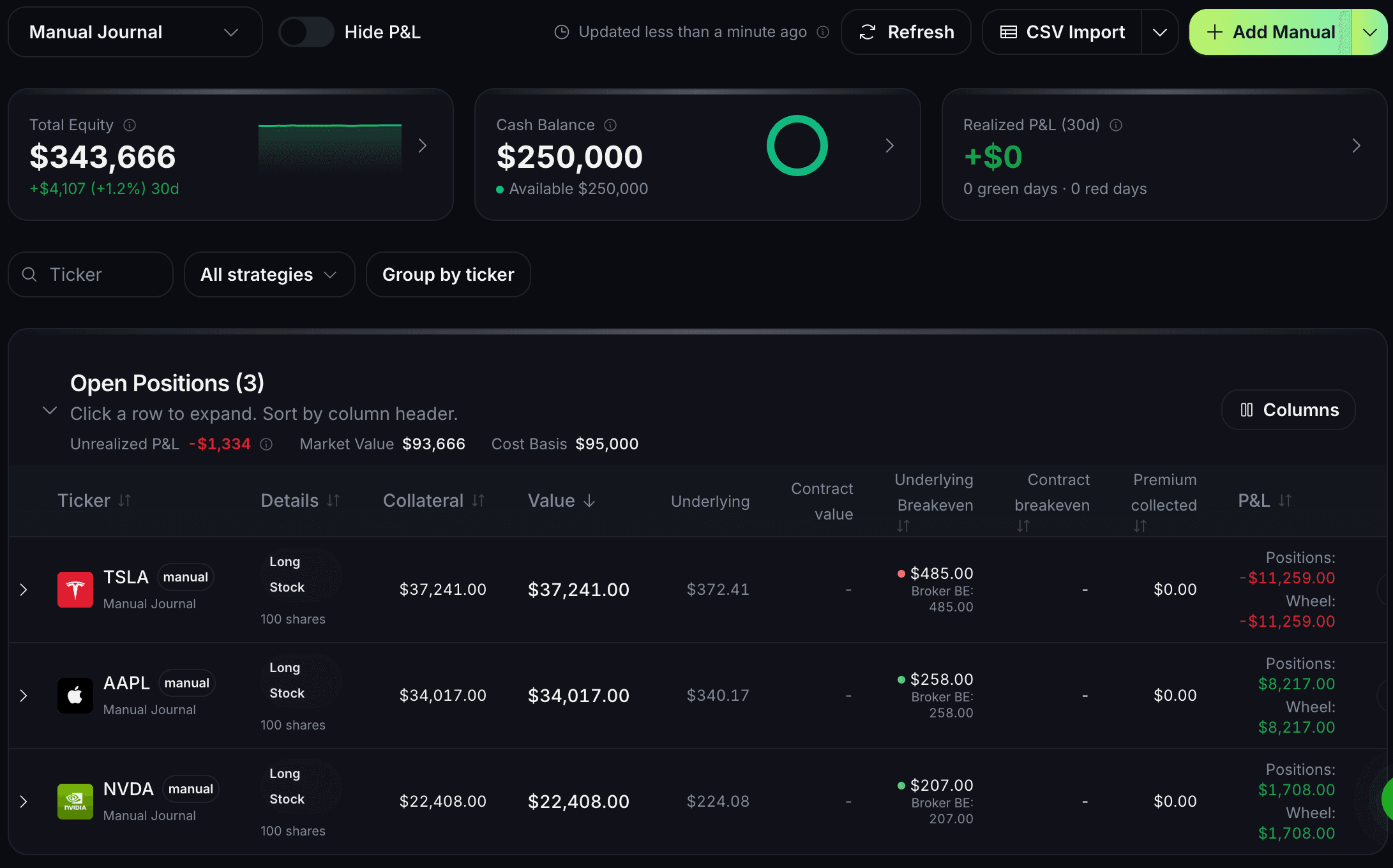
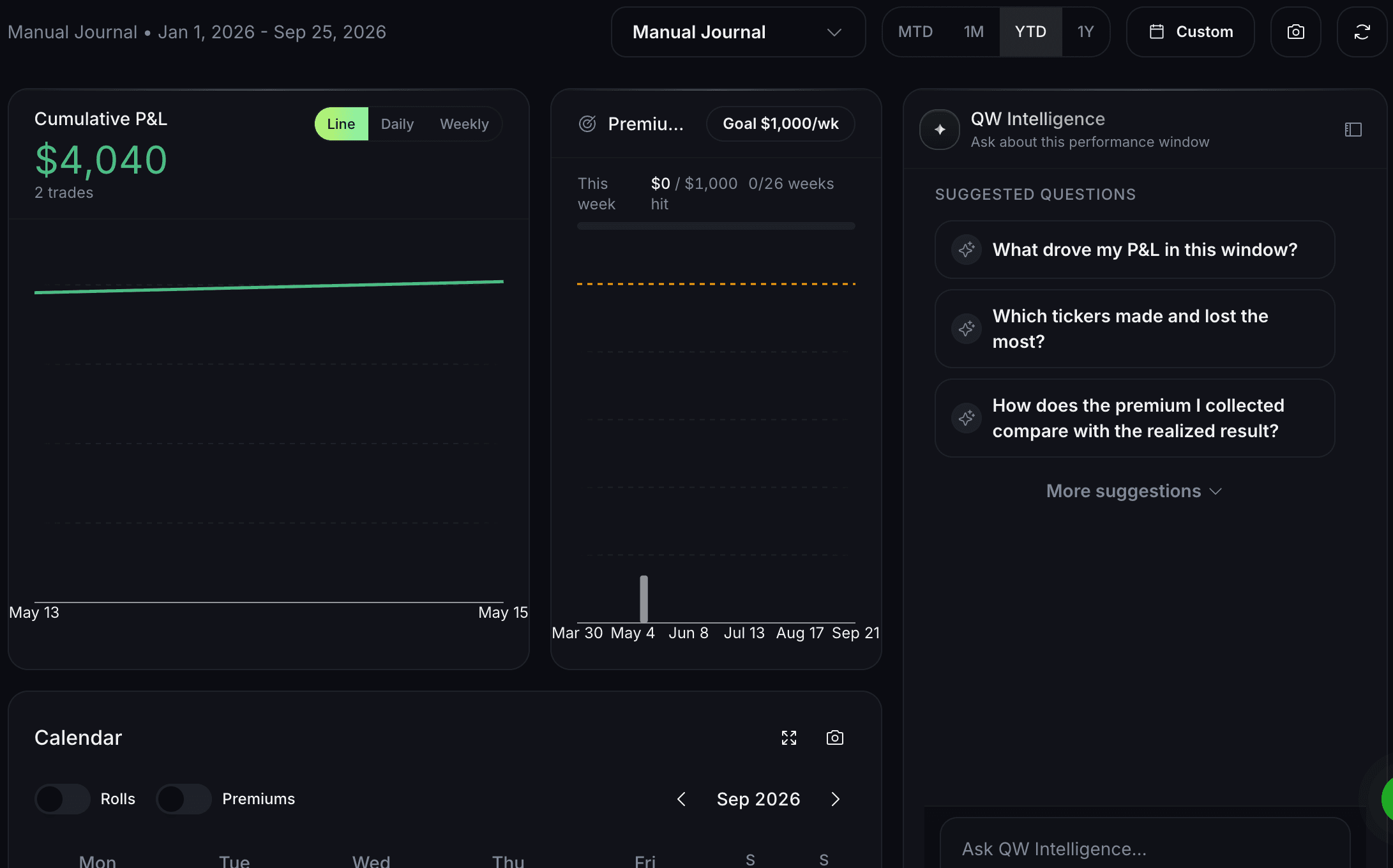
Options trading journal interface displaying comprehensive trade tracking with automatic broker sync for options trades including entries, exits, and position management. The journal shows portfolio performance metrics, profits, losses, and wheel strategy lifecycle analysis.

Capabilities

What Options Journal does

Income calendar

See upcoming expirations, premium events, and position dates in one clean view. Less digging through broker screens. Less “wait, when did I open that?”
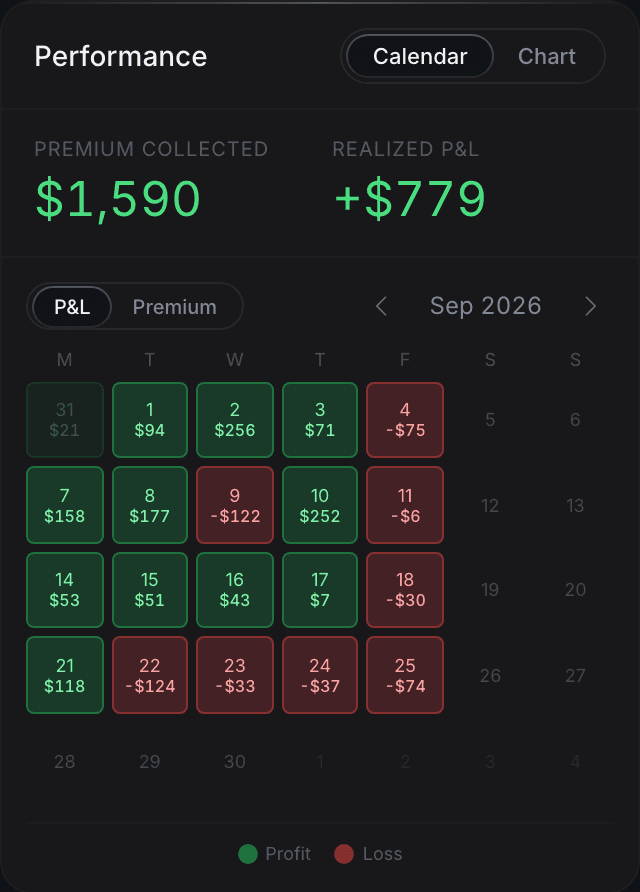
Options trading journal calendar view showing monthly profits, losses, and portfolio income from options trades with visual tracking of performance patterns. The journal shows premium decay, strike proximity, and expiration timing across call and put positions.

Transaction intelligence

QuantWheel reads the difference between a new trade, a roll, an assignment, and a stock event. Your journal stays organized without you tagging every line manually.

Options trading journal transaction history displaying detailed entries and exits for all options trades with comprehensive data tracking. The journal shows profits, losses, portfolio value changes, and performance metrics for each trade executed through connected brokers.

True cost basis

Track what you actually have in the position after puts, rolls, assignments, shares, and covered calls. Not because the number predicts the next trade. Because your records should be clean.

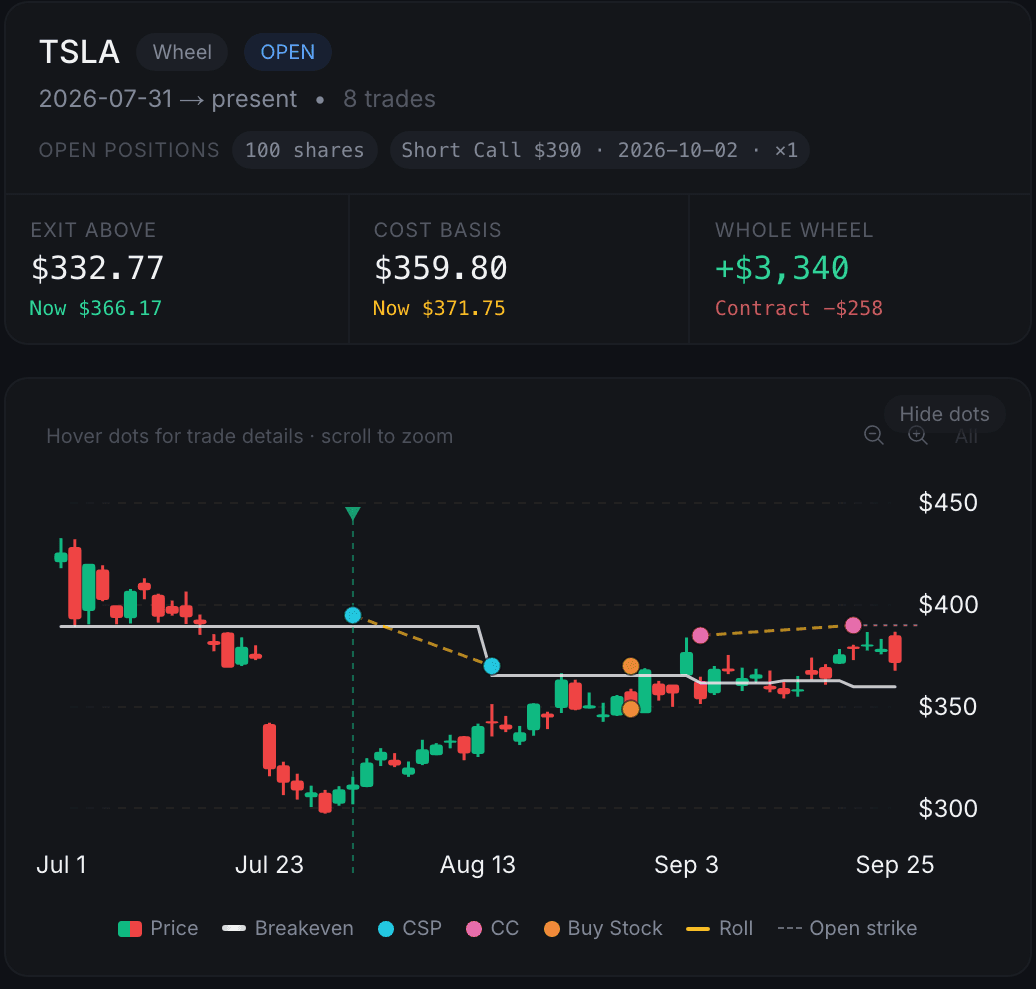
Options trading journal cost basis tracking showing how premium collection reduces effective entry price over time. Displays cumulative premium income, dividends, and stock position value for wheel strategy lifecycle management.

How it works

Three steps

  1. Connect your broker

    Start the trial and connect your account. The connection is read-only. QuantWheel never sees your password and never places trades.

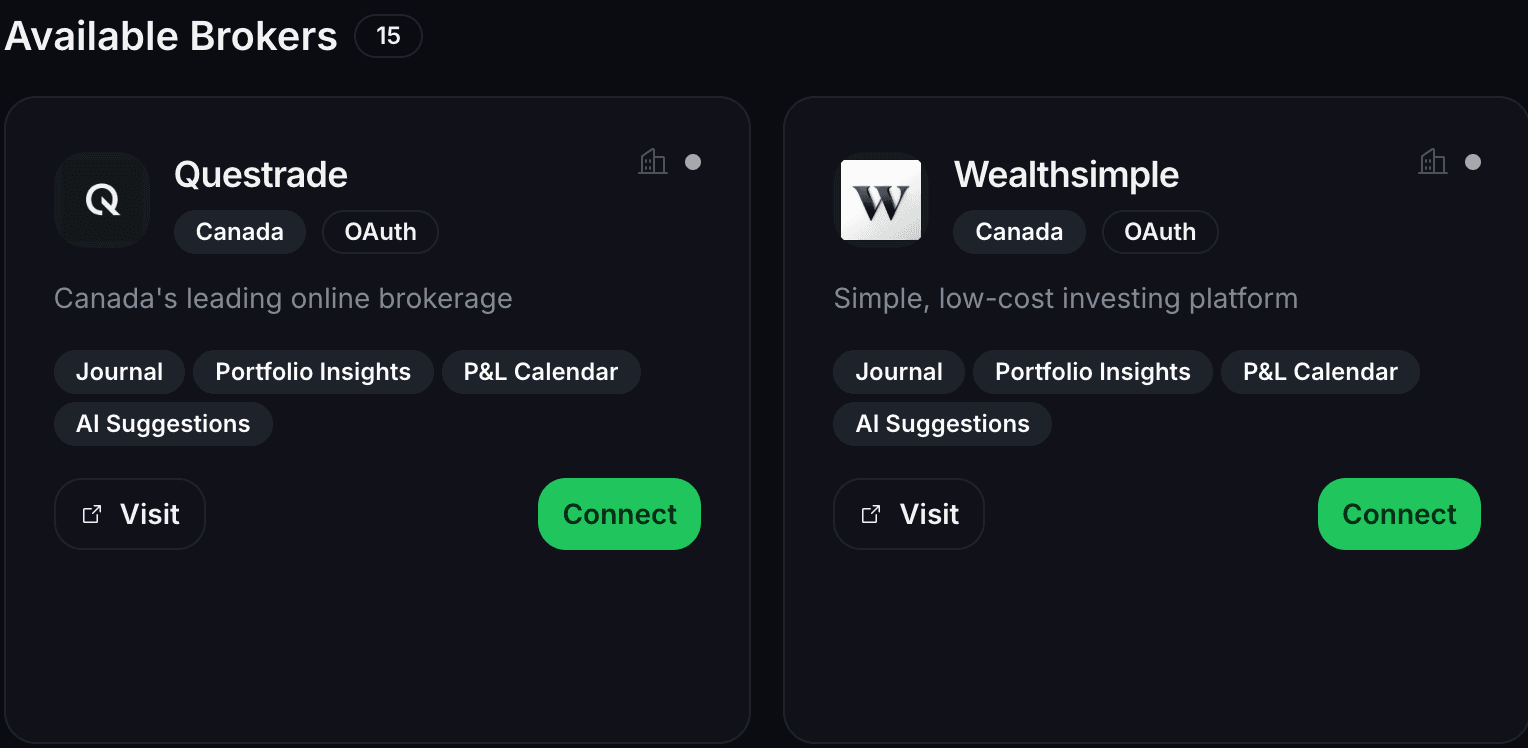
    Options trading journal broker integration displaying secure read-only connection to trading accounts including Schwab, Fidelity, Robinhood, IBKR, Tastytrade, E*Trade for personalized portfolio analysis and automatic trade sync.
  2. QuantWheel imports your history

    Your trades and position events flow into the journal. No spreadsheet rebuild. No copy-paste ritual after market close.

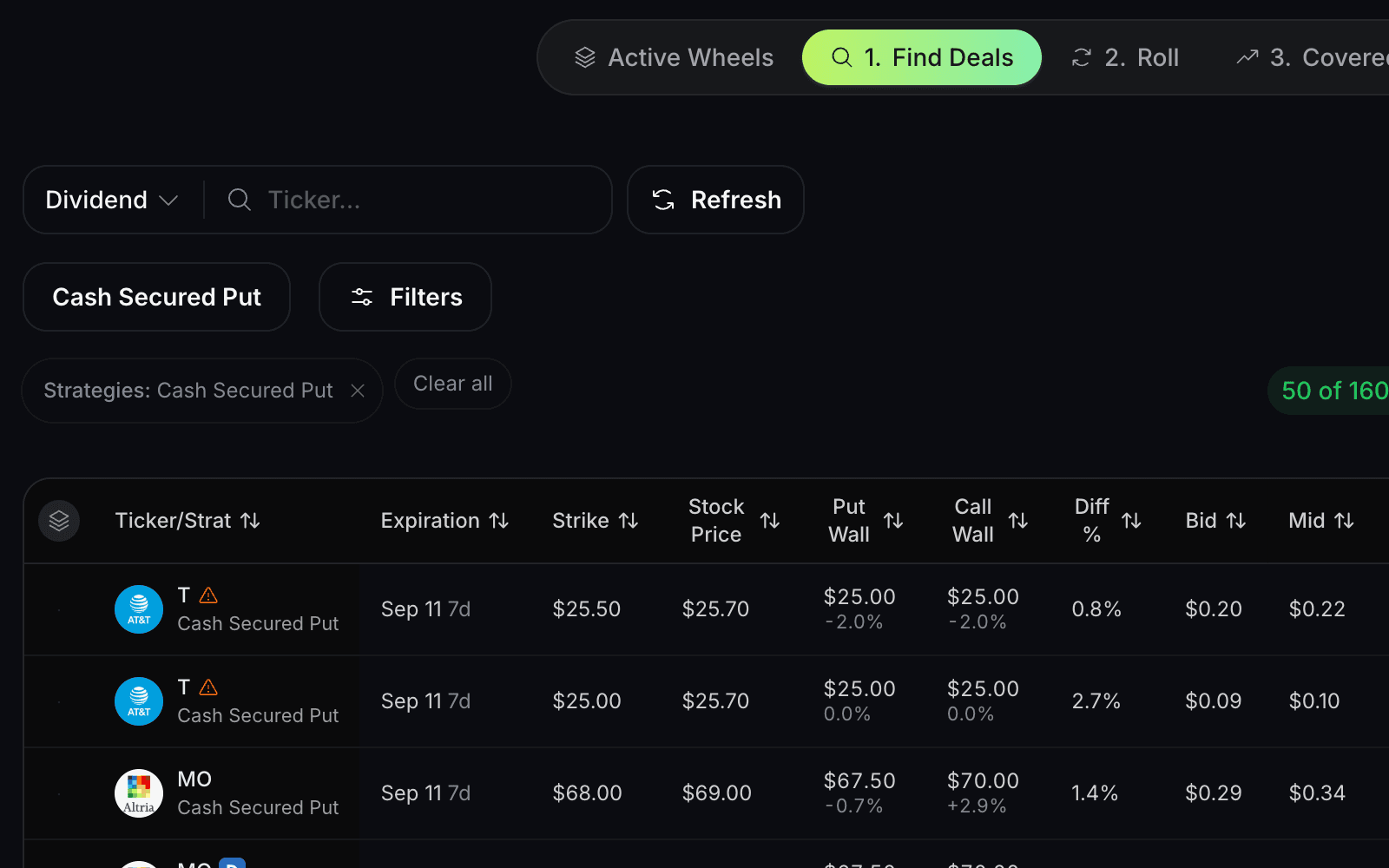
    Options trading journal automatic trade import interface showing real-time sync of options trades from connected brokers. Displays call and put positions with strike prices, expiration dates, and premium data.
  3. Positions get grouped the way you manage them

    Puts, rolls, assignments, shares, and covered calls stay connected to the same position journey instead of scattered across separate rows.

    Options trading journal intelligent categorization showing linked trades for wheel strategy including rolls, assignments, and covered calls. Displays true position P&L calculation across the entire options lifecycle.
Know the limit

Your broker connection is read-only. QuantWheel never sees your password and never places trades.

Continue your workflow

Pairs with

FAQ

Options Journal questions

Options Journal

When you sell a put, roll it twice, get assigned, then sell covered calls, is that one trade or five? Most journals treat every leg as a separate event, so the story breaks. The put sits in one row, the roll sits somewhere else, the assignment looks disconnected, and the covered calls become another loose entry. So you end up keeping the real journal in a spreadsheet anyway. QuantWheel is built around the full position lifecycle. It connects each step, tracks cost basis as it changes, and gives you a journal that matches how options sellers actually manage positions. Then you review the full picture: use the journal, income calendar, and cost basis history to see what happened, what is open, and what needs attention next.

Your journal starts filling in as soon as your broker is connected. Automatic sync: connect your broker once, and QuantWheel imports the trades and position events that usually turn into manual cleanup. Unified positions: see the full chain in one place; short puts, rolls, assignments, shares, and covered calls stay tied to the same position. Real cost basis tracking: cost basis changes after premium, rolls, assignments, and covered calls, and QuantWheel keeps that history visible without forcing you to rebuild it by hand.

Trades, rolls, assignments, splits, notes, and real cost basis for your wheel positions.

QuantWheel connects supported brokers read-only. Open the broker setup guides to see the current list and the steps for yours.

Yes. Your broker connection is read-only. QuantWheel never sees your password and never places trades.

Yes. You can export your journal so your records are not trapped inside QuantWheel.

Treat the wheel like one position, not a pile of trades

Your broker shows transactions. Your spreadsheet shows what you remembered to update. QuantWheel gives you the full position history in one journal. Connect your broker, let the journal sync, and check your cost basis, rolls, assignments, and covered calls without rebuilding the story by hand.

$1 for 7 days • Cancel anytime • 14-day money-back guarantee
Options trading involves substantial risk and is not suitable for all investors. QuantWheel provides software for research, analysis, screening, tracking, and workflow support. It does not provide personalized investment advice or guarantee trading outcomes.