QuantWheel

Three ways to your chart

GEX Indicator

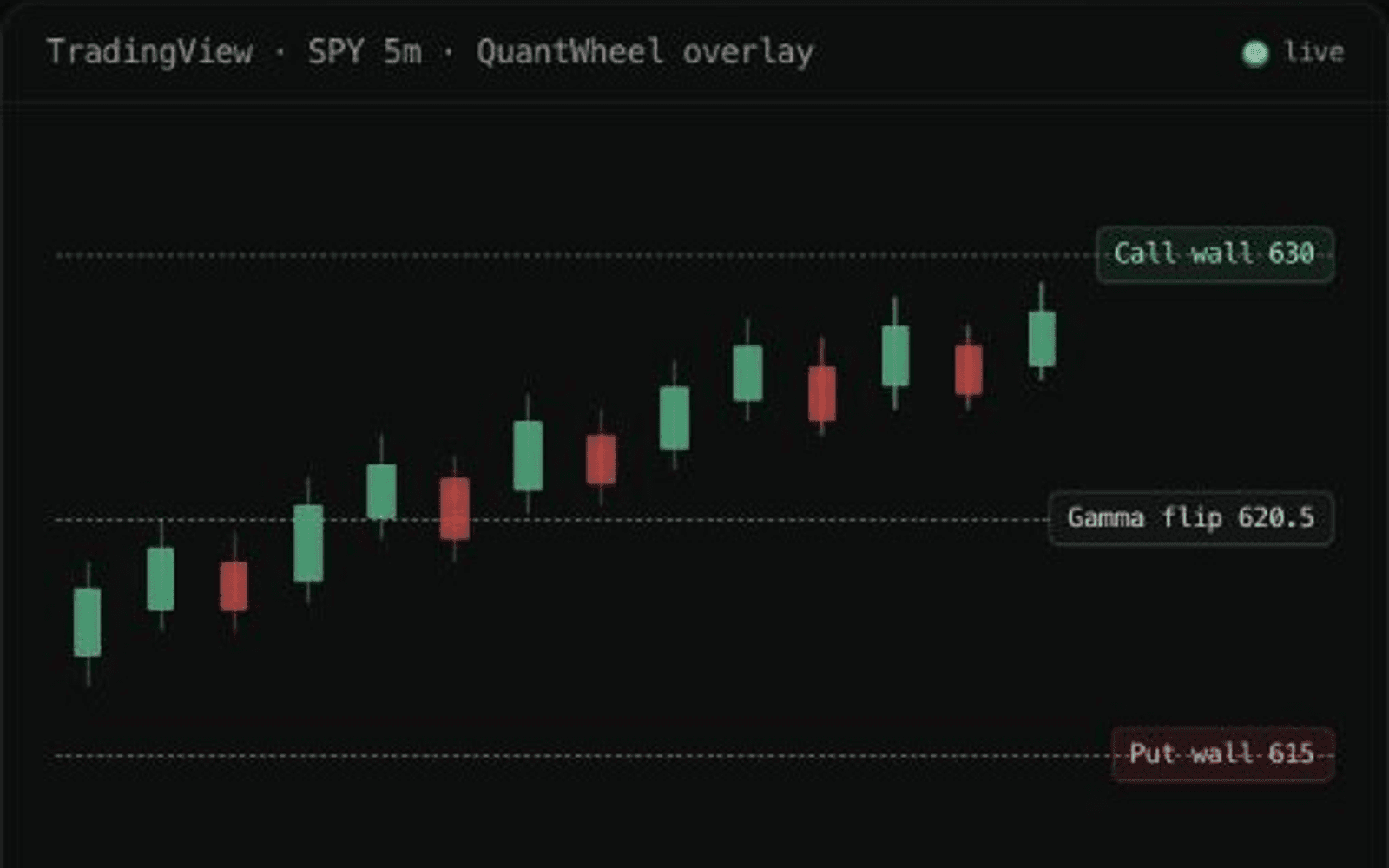
QuantWheel's call wall, put wall, and gamma flip on the chart you already trade from: a desktop app for TradingView Desktop, a Chrome extension for tradingview.com, or the API for anything else.

TradingView SPY chart with active QuantWheel Gamma Exposure levels

Capabilities

What GEX Indicator does

Desktop app for TradingView Desktop

Mac and Windows. Draws the levels on your charts; your layouts stay.

Chrome extension for tradingview.com

Coming soon

The same overlays in the browser, with the same key.

API for any other platform

Call wall, put wall, gamma flip, and more as clean JSON.

How it works

Three steps

  1. Pick your way

    Desktop app, extension, or API.

  2. Enter your key

    Once, from your QuantWheel account.

  3. Trade with the levels

    They follow the ticker you open.

Know the limit

Supported symbols and access only. Research context, not buy or sell signals.

Continue your workflow

Pairs with

FAQ

GEX Indicator questions

GEX Indicator

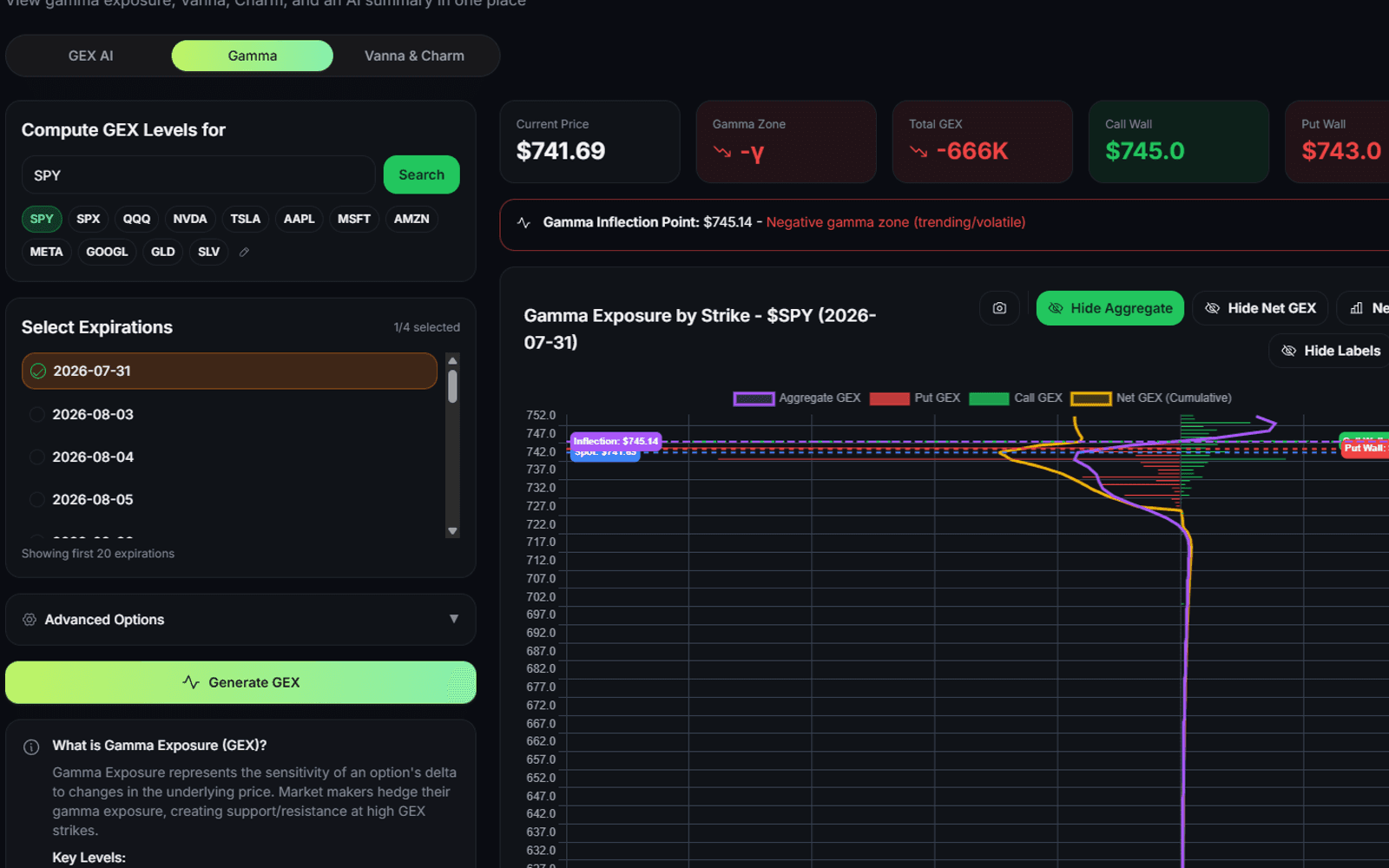
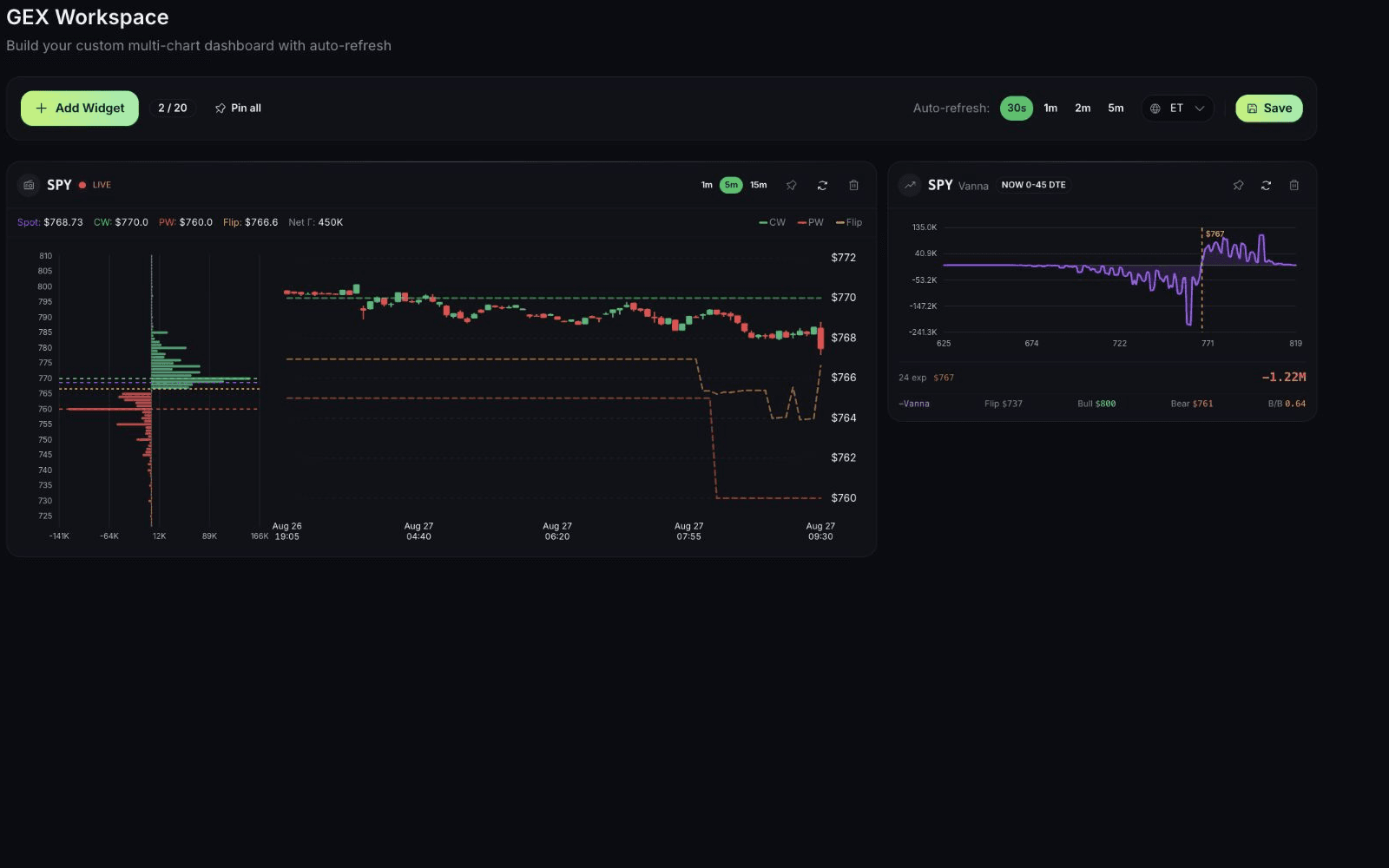
A GEX indicator draws gamma exposure levels such as the call wall, the put wall, and the gamma flip on a price chart. QuantWheel's version draws its own modeled levels on TradingView through a desktop app or a browser extension, or serves them through the GEX API.

Install the QuantWheel GEX Bridge desktop app beside TradingView Desktop and enter your key once; the levels follow the ticker you open. A Chrome extension for tradingview.com is coming. No Pine script to paste or maintain.

No. It shows modeled gamma exposure context. It does not guarantee direction, support, resistance, or a trading result.

Open GEX Indicator

Options trading involves substantial risk and is not suitable for all investors. QuantWheel provides software for research, analysis, screening, tracking, and workflow support. It does not provide personalized investment advice or guarantee trading outcomes.