The Sandbox is a free-forever version of QuantWheel loaded with demo data.
You can use it to see how the wheel workflow, screener, journal, and GEX surfaces work before you sign up or connect a broker.
Before you start
Required:
- A web browser. Nothing else. No signup, no email, no card.
Time to complete: 5 minutes
Steps
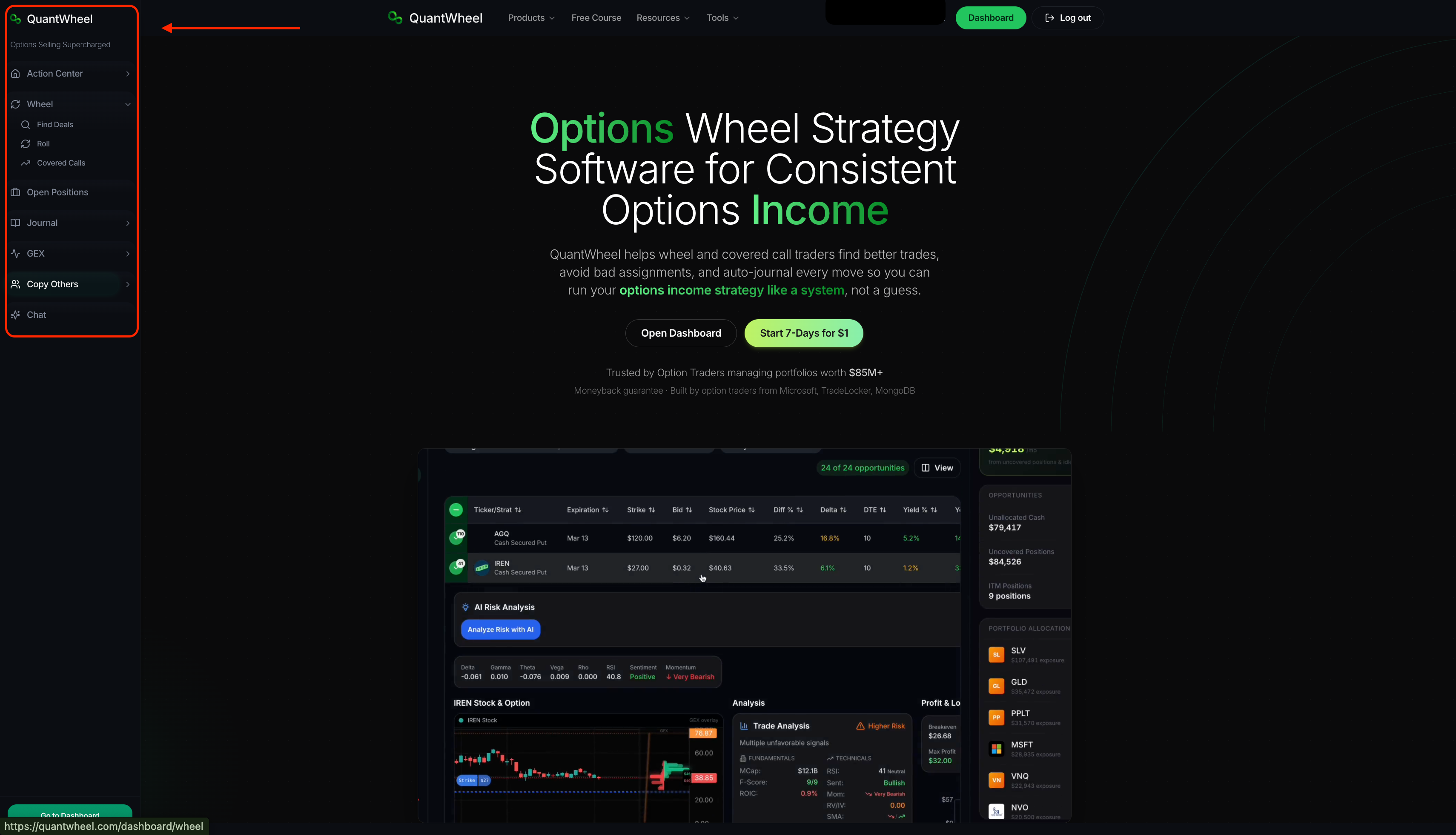
- Go to quantwheel.com and click Open Dashboard on the homepage or click on any of the left sidebar buttons.
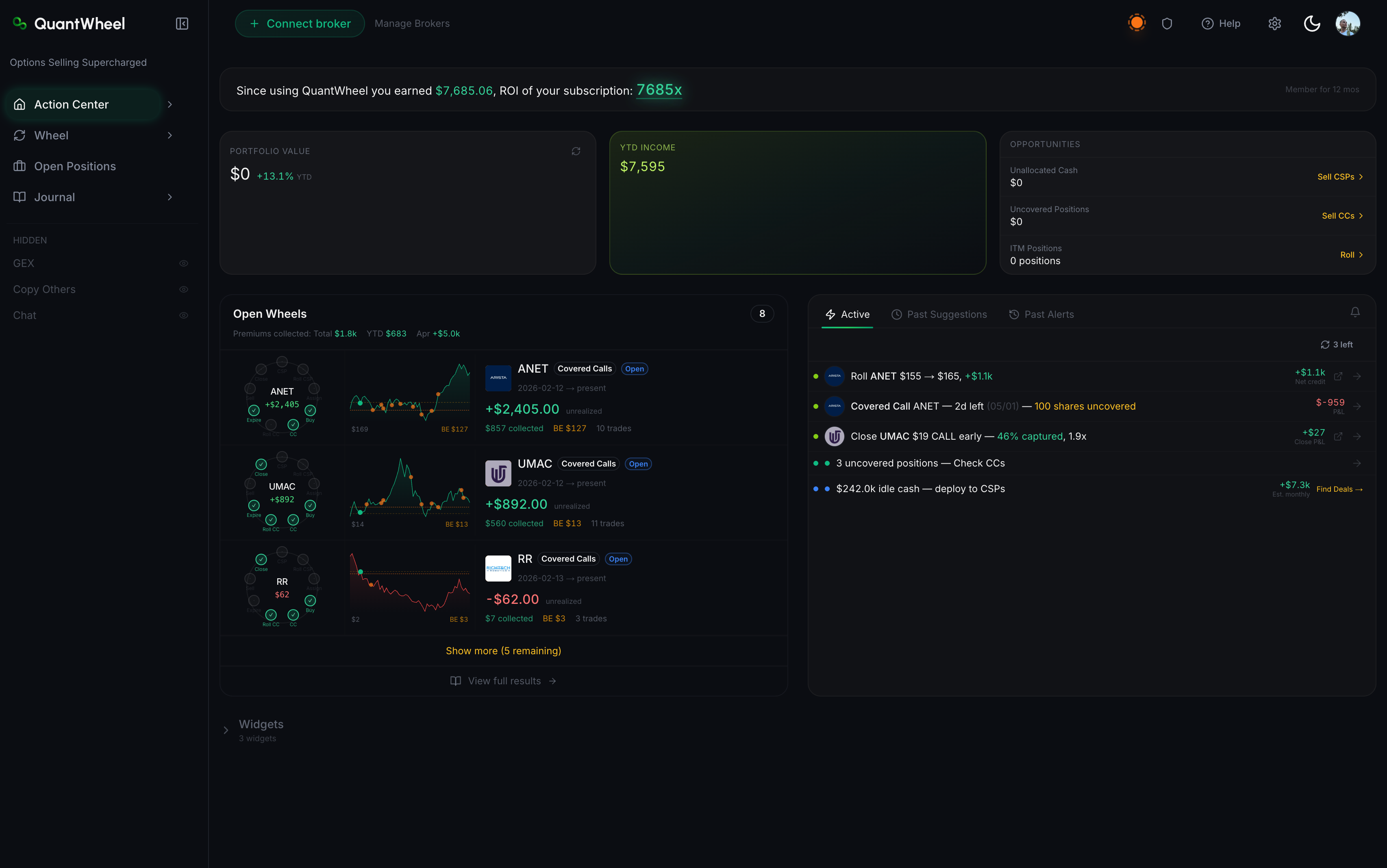
Land on the Action Center, the main dashboard. Demo positions, demo P&L, and a demo portfolio load automatically.
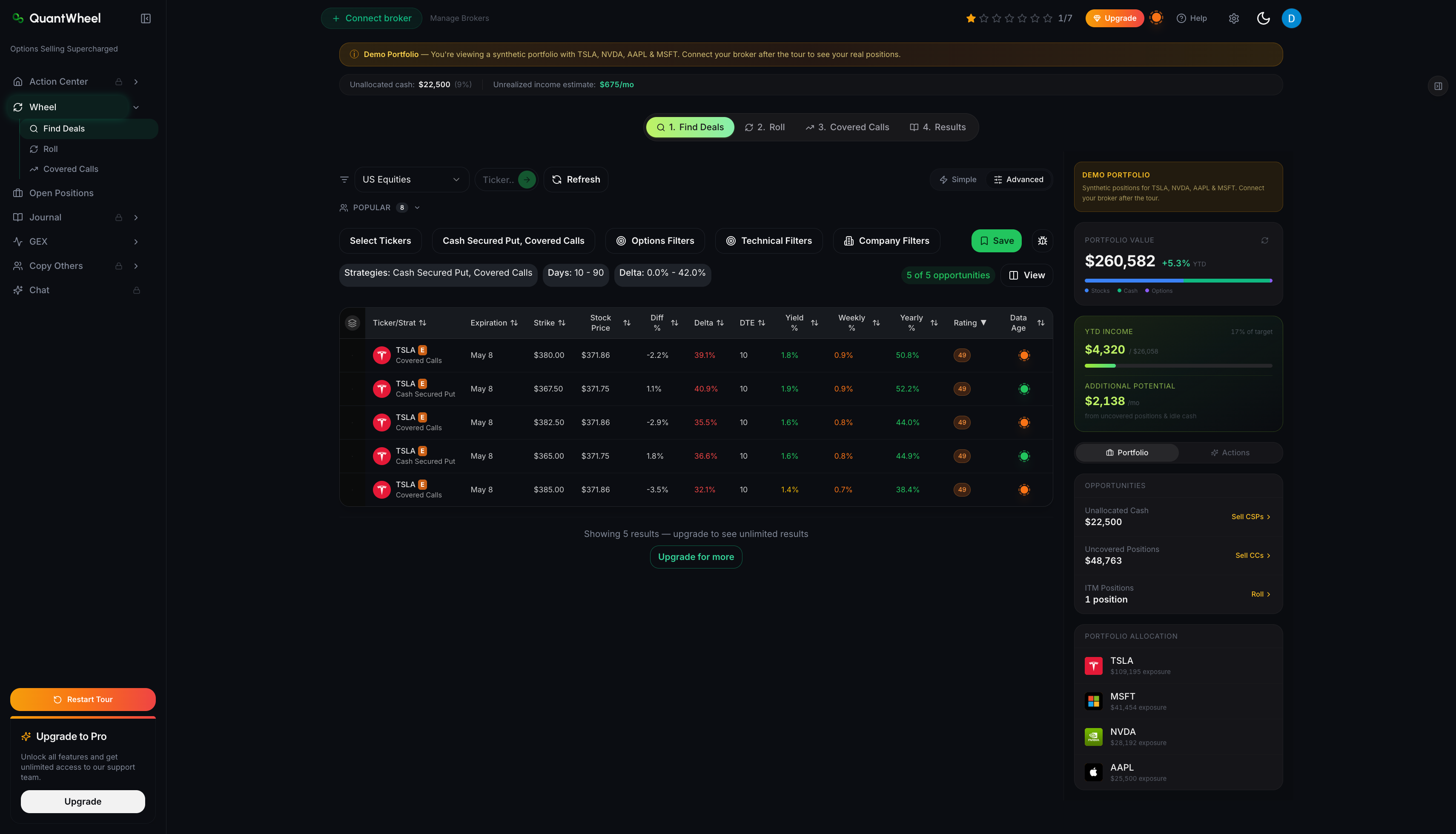
Open the Wheel item in the sidebar and click through Find Deals, Roll, and Covered Calls. Then use the Wheel tab bar to open Results. Each tab shows demo results so you can see the shape of each screen.
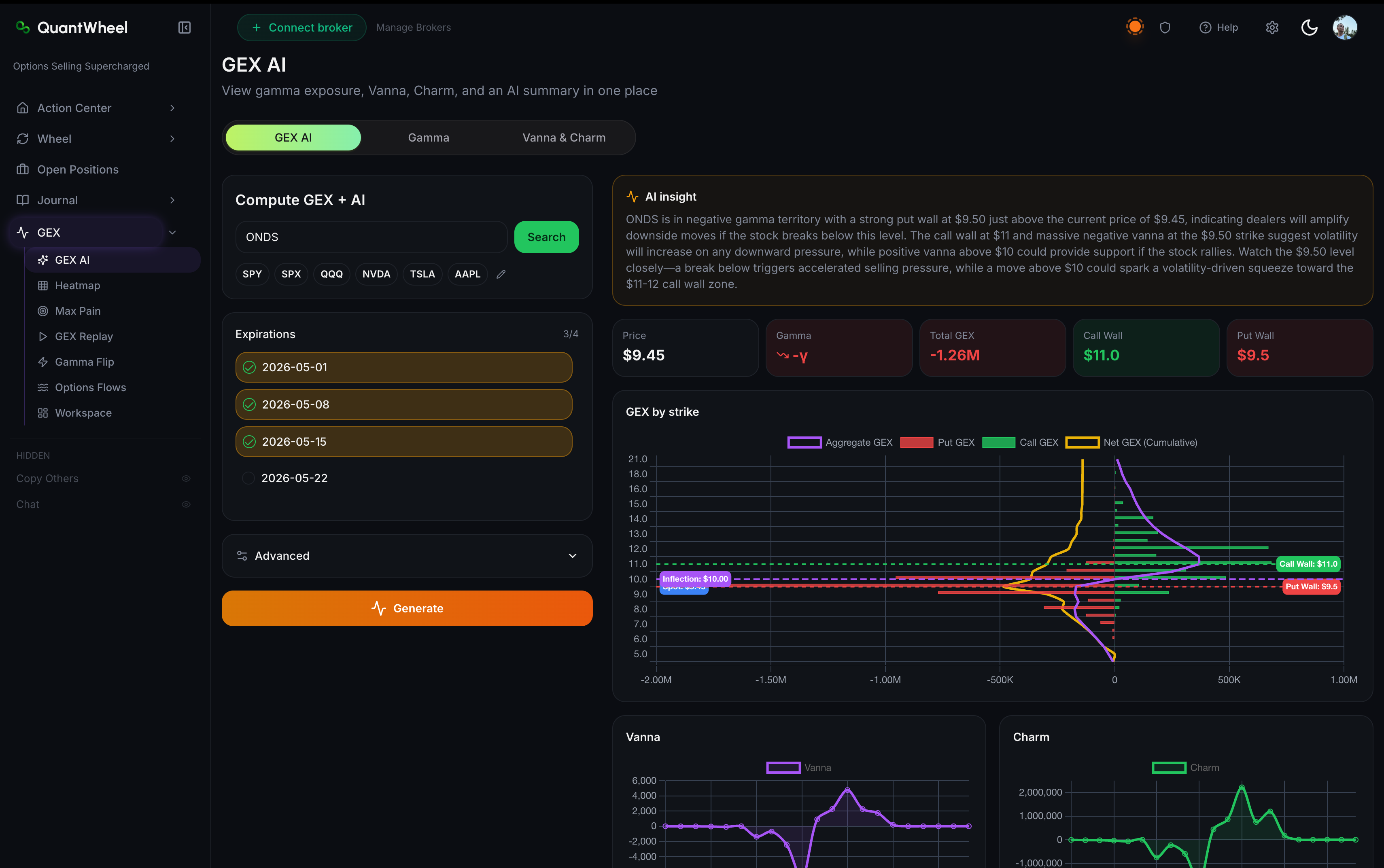
- Open GEX in the sidebar and click through GEX AI, Heatmap, Max Pain, and GEX Replay. GEX data in the Sandbox is delayed - live GEX requires a paid plan.
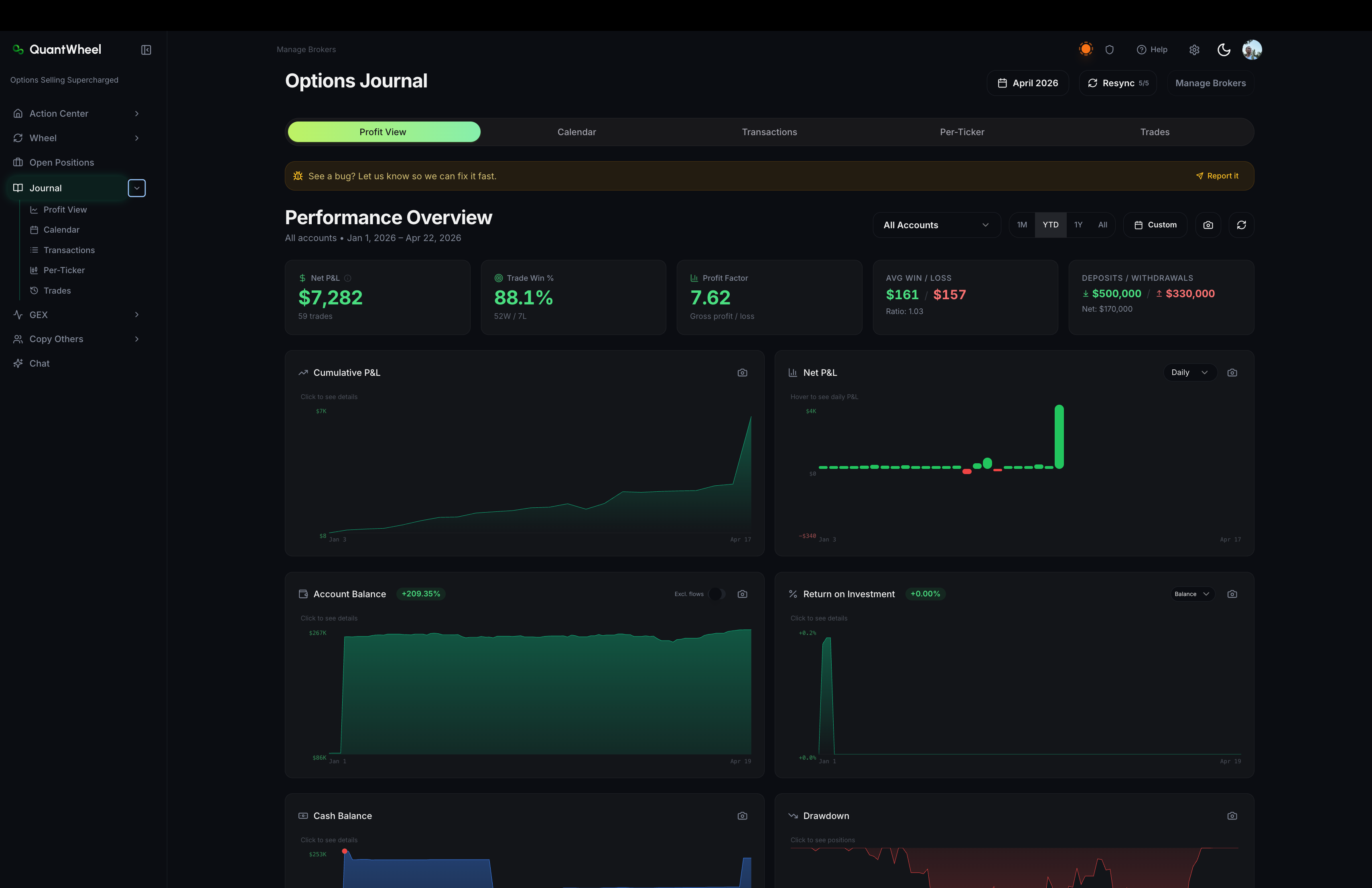
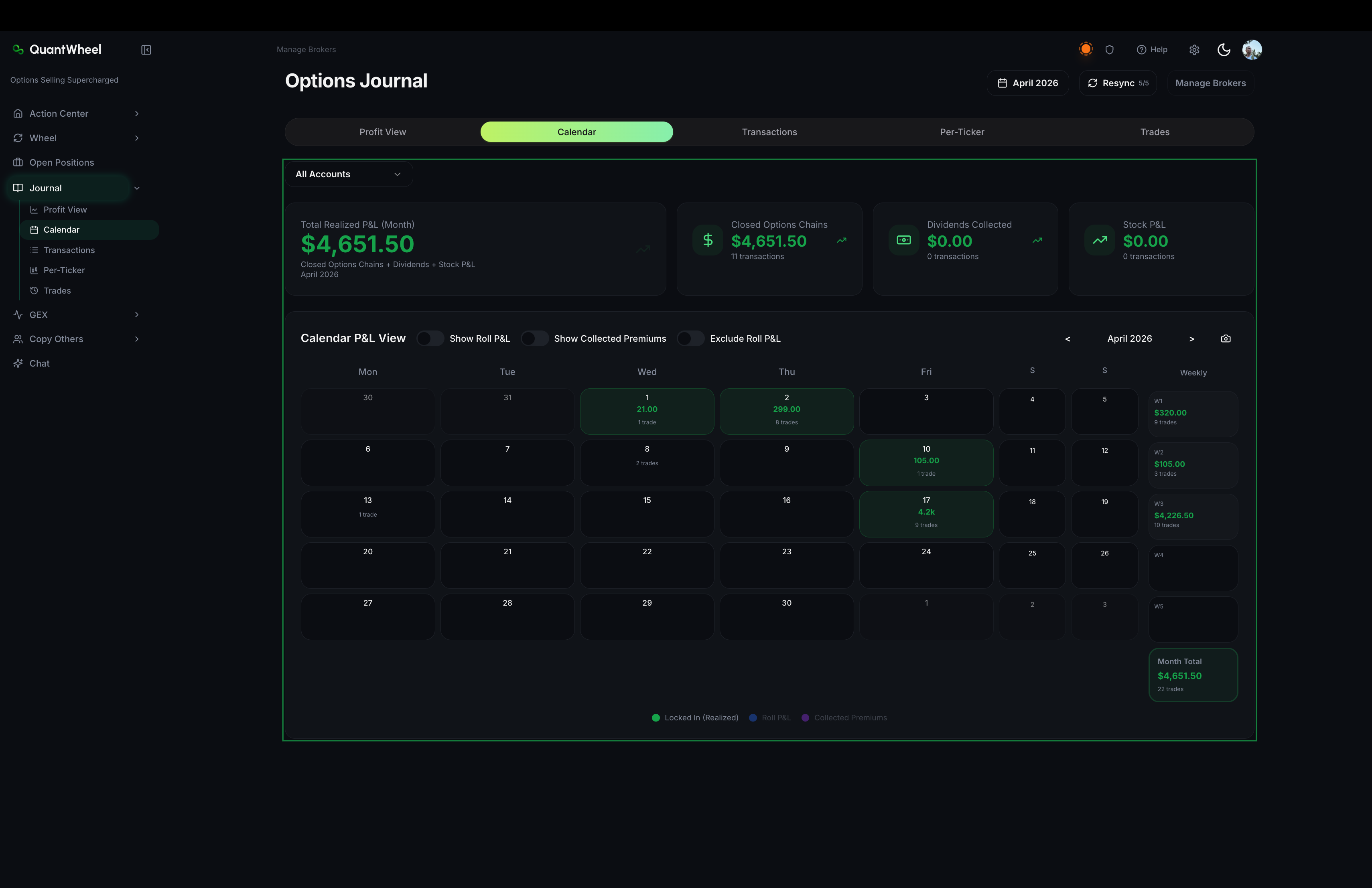
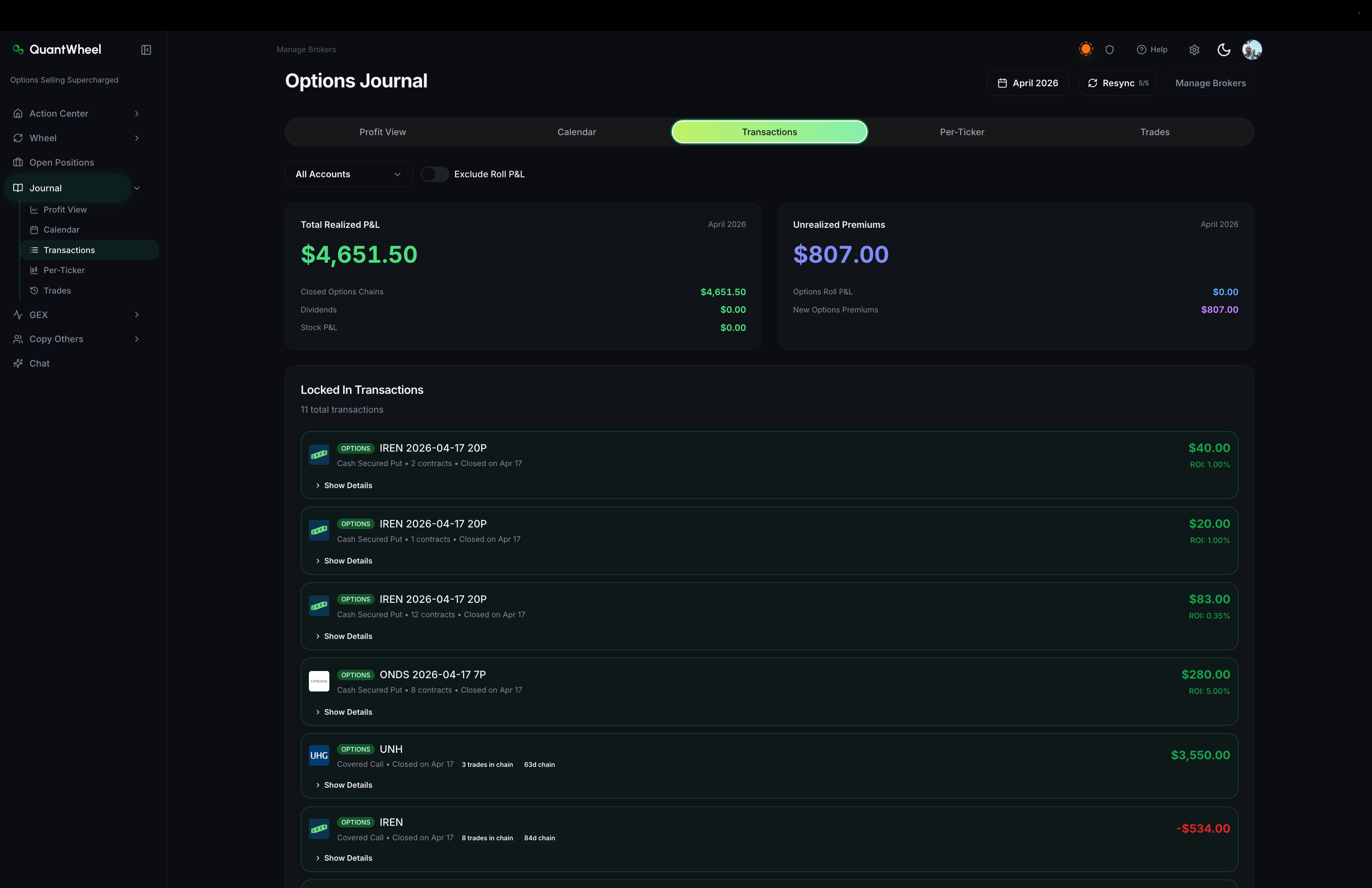
Open Journal and Open Positions to see what the auto-journal looks like once you connect a broker. Demo positions populate both screens.
What the Sandbox limits
The Sandbox is a demo, not a free tier of the full product. Three limits apply:
Note: Screener results are capped per filter run. Paid plans remove the cap.
Note: GEX data is delayed. Live GEX PlayTape, Gamma Flip Alerts, and real-time Walls require QuantWheel GEX or PRO.
Note: Positions, journal entries, and P&L are all demo data. Connecting a broker is a paid-plan feature - see the plans page for what unlocks where.
Common issues
Do I need to pay to try the product?
No. The Sandbox is free forever and needs no signup or card. If you want to test the product with your real positions, you can start the $1 seven-day trial.
Is the Sandbox the same as the free plan?
The Sandbox is the free tier. It's called the Sandbox because it runs on demo data instead of your own. There is no separate "free plan" above it.
Can I connect my broker in the Sandbox?
No. Broker connection is a paid-plan feature. To see your real positions in the journal, start a trial or subscribe.
Why are some screens showing only 5 results?
That's the Sandbox cap. It's there so you can see the shape of each screen without exposing a full dataset to non-paying users.