

GEX by strike and time
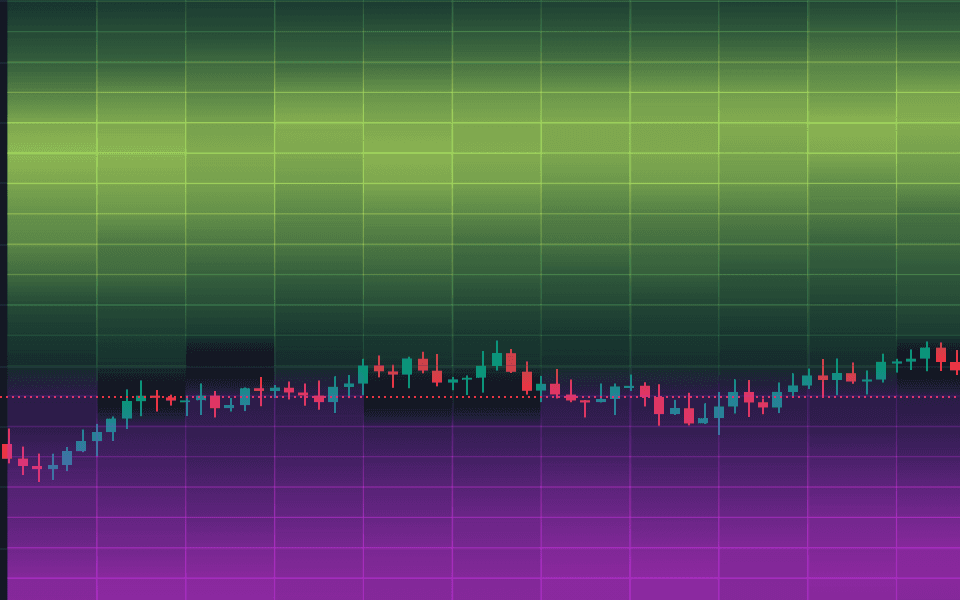
Gamma exposure cells behind the candles, from the same engine as the GEX levels.
Made by QuantWheelTradingView
Gamma exposure across strikes and time, drawn as cells behind the candles you already trade, with the coming expirations as slices beside the chart.
$1 for 7 days • Cancel anytime • 14-day money-back guarantee
No. It draws gamma exposure by strike and time behind the candles and refreshes every 5 minutes. Heatmap intensity is modeled exposure in the selected view. A hot cell is research context, never a price target.
The same five facts on every indicator
Wheel plan
$79/month
$1 for 7 days
Then $79/month. The Quant plan, $119/month, adds Options Flow and Whale Prints.
Gamma exposure cells behind the candles, from the same engine as the GEX levels.
Columns for the coming expirations sit in a pad to the right of the candle time axis.
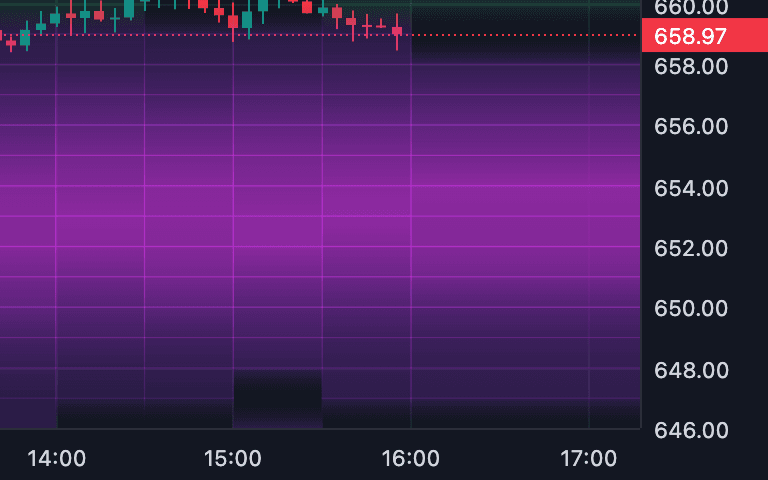
The GEX heatmap has its own switch and refreshes every 5 minutes while the tab is visible.
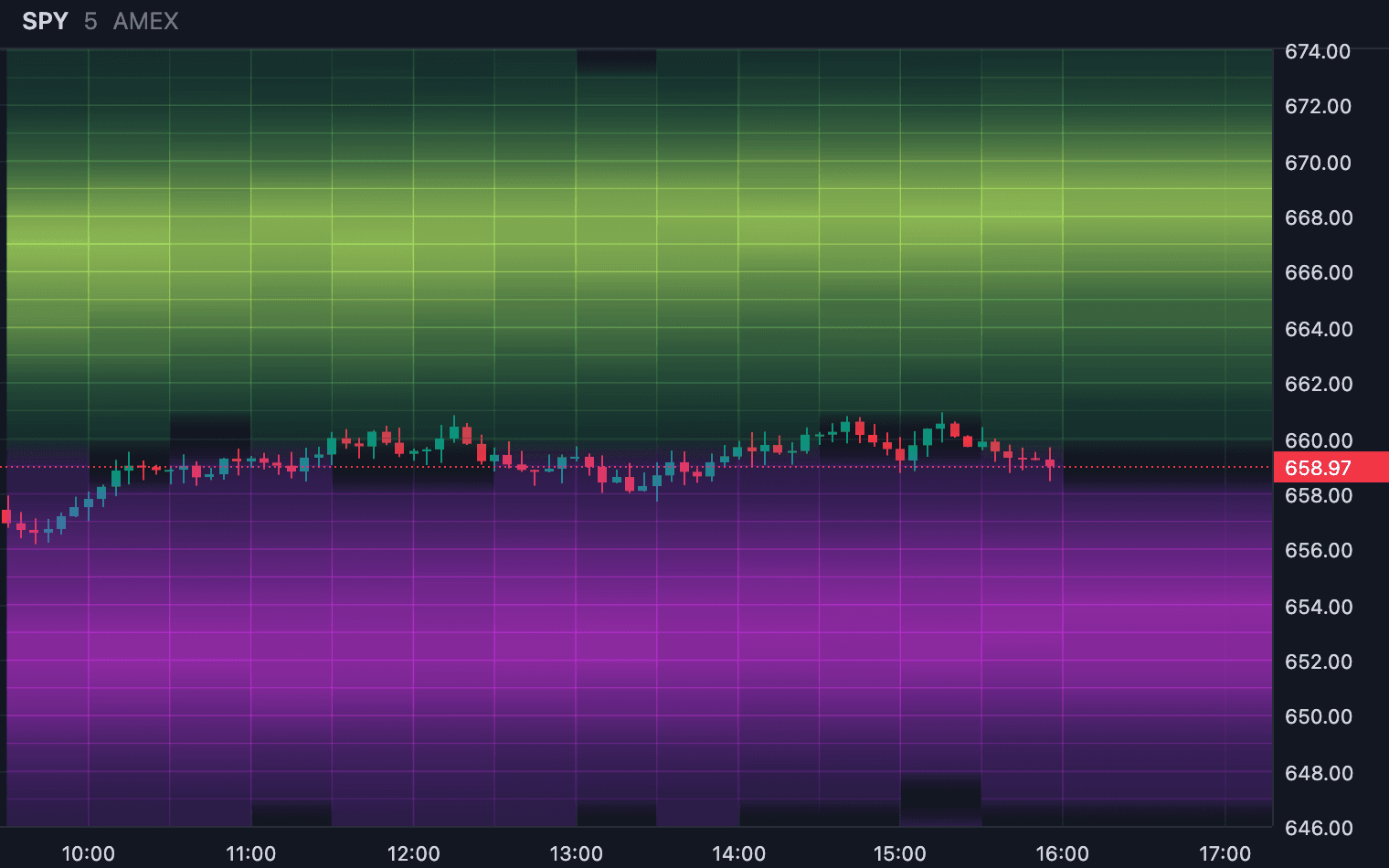
The cells stay on their strikes as you pan and zoom, and the GEX walls draw over them when that layer is on.
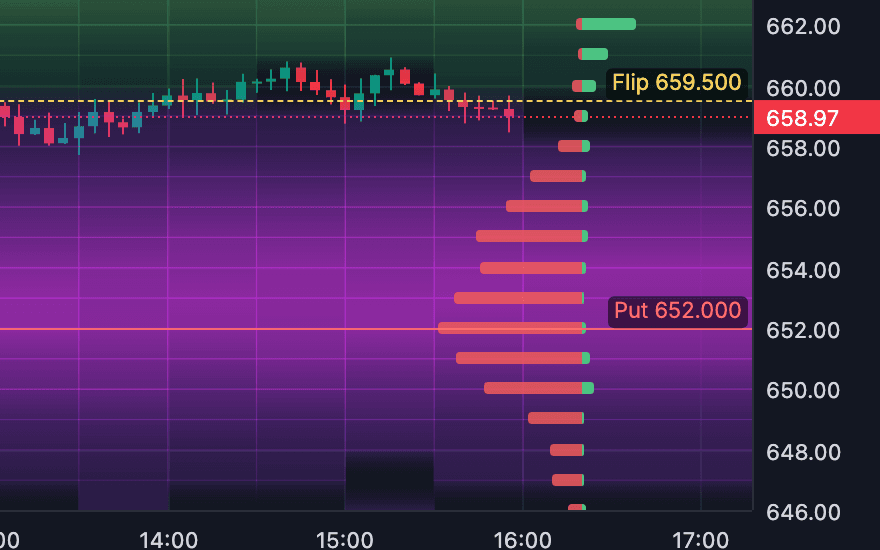
The VEX heatmap, the vanna exposure view, is a separate layer with its own page and switch.
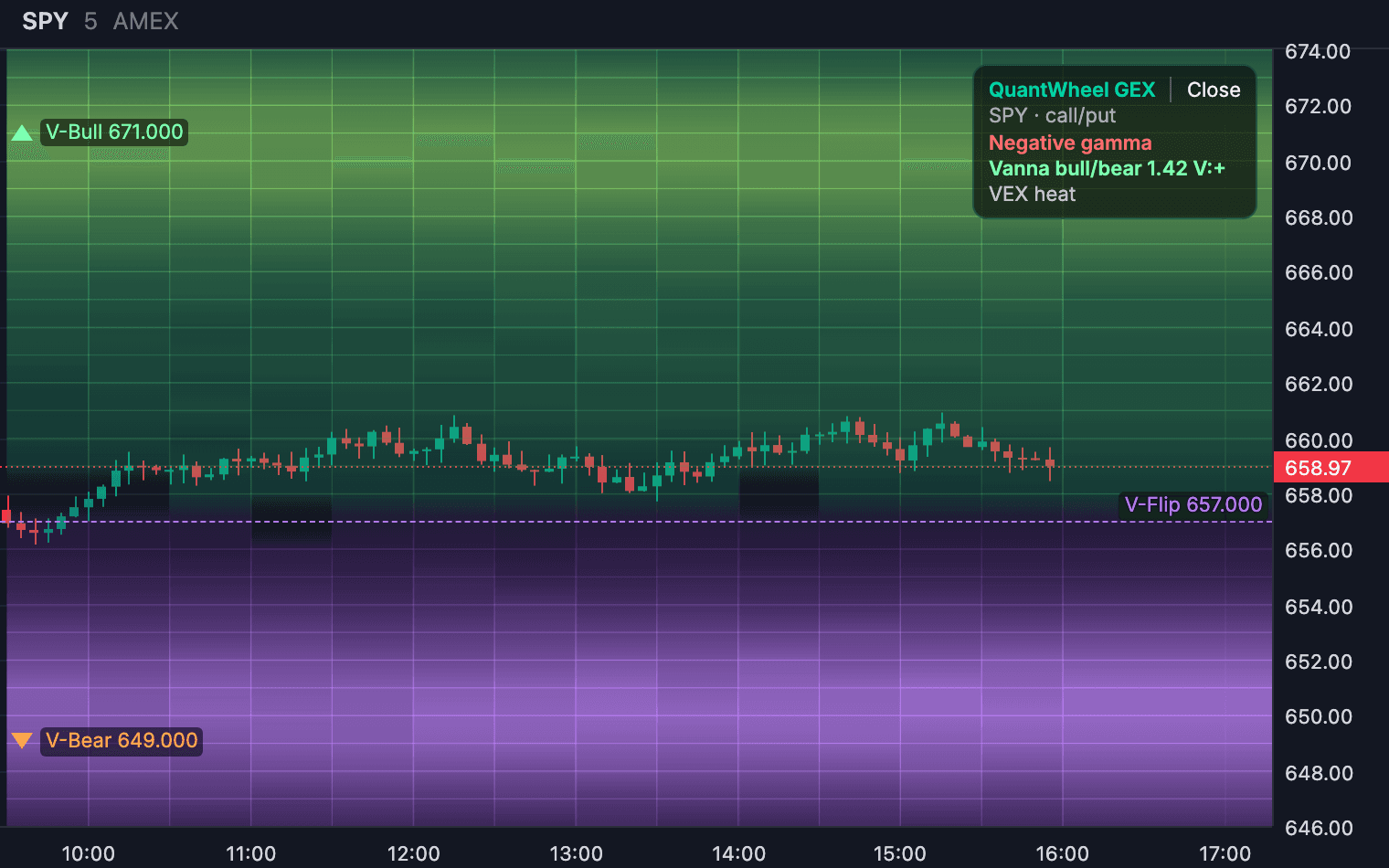
See more than one level at a time
Heatmap intensity is modeled exposure in the selected view. A hot cell is research context, never a price target.
Cancel anytime. Renews at the same monthly price.
Install the extension from the Chrome Web Store. It needs Chrome 116 or newer.
Go to tradingview.com/chart and open the ticker you want to study. The extension follows the active chart.
Click the extension, paste your QuantWheel key once, and switch on the indicators you want.
No reviews yet. Reviews will show here as people use the indicator, low ratings included.
GEX heatmap
Each update appears here on the day it ships.

Gamma exposure
The GEX histogram, call and put walls, the gamma flip and GEX history dots on your chart.
Made by QuantWheelNo reviews yet
From $35/month billed yearly
Wheel or Quant plan, $1 for 7 days

Vanna exposure by strike and time
Vanna exposure by strike and time behind the candles, plus Vanna markers on the expiration you choose.
Made by QuantWheelNo reviews yet
From $35/month billed yearly
Wheel or Quant plan, $1 for 7 days

Options activity
Net, call and put premium flow in a band under the chart, at 30 second to 15 minute resolution.
Made by QuantWheelNo reviews yet
From $59/month billed yearly
Quant plan, $1 for 7 days
The facts come from the indicator's own page and the QuantWheel pricing page, checked 17 October 2026.